 Lifestyle
iOS
Shelfmark: Home Library
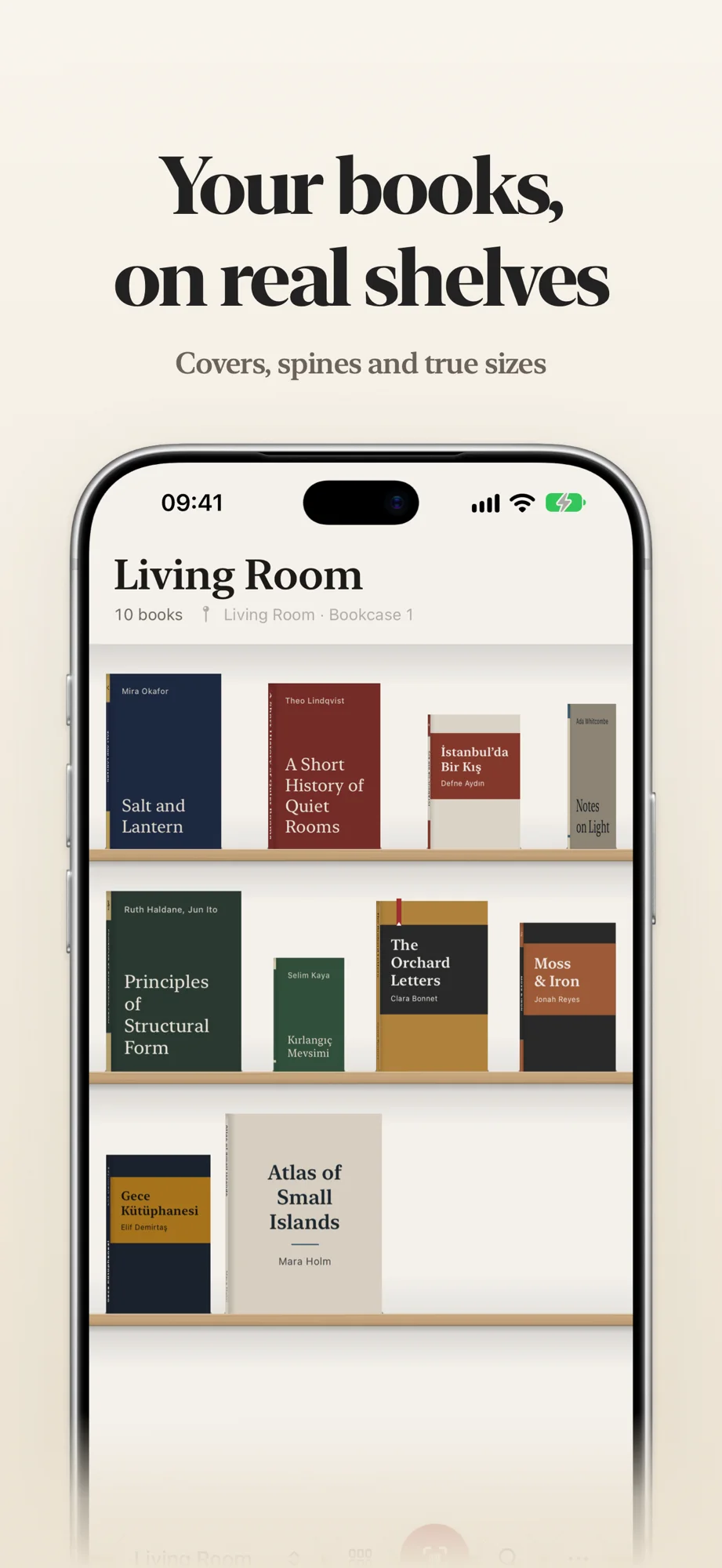
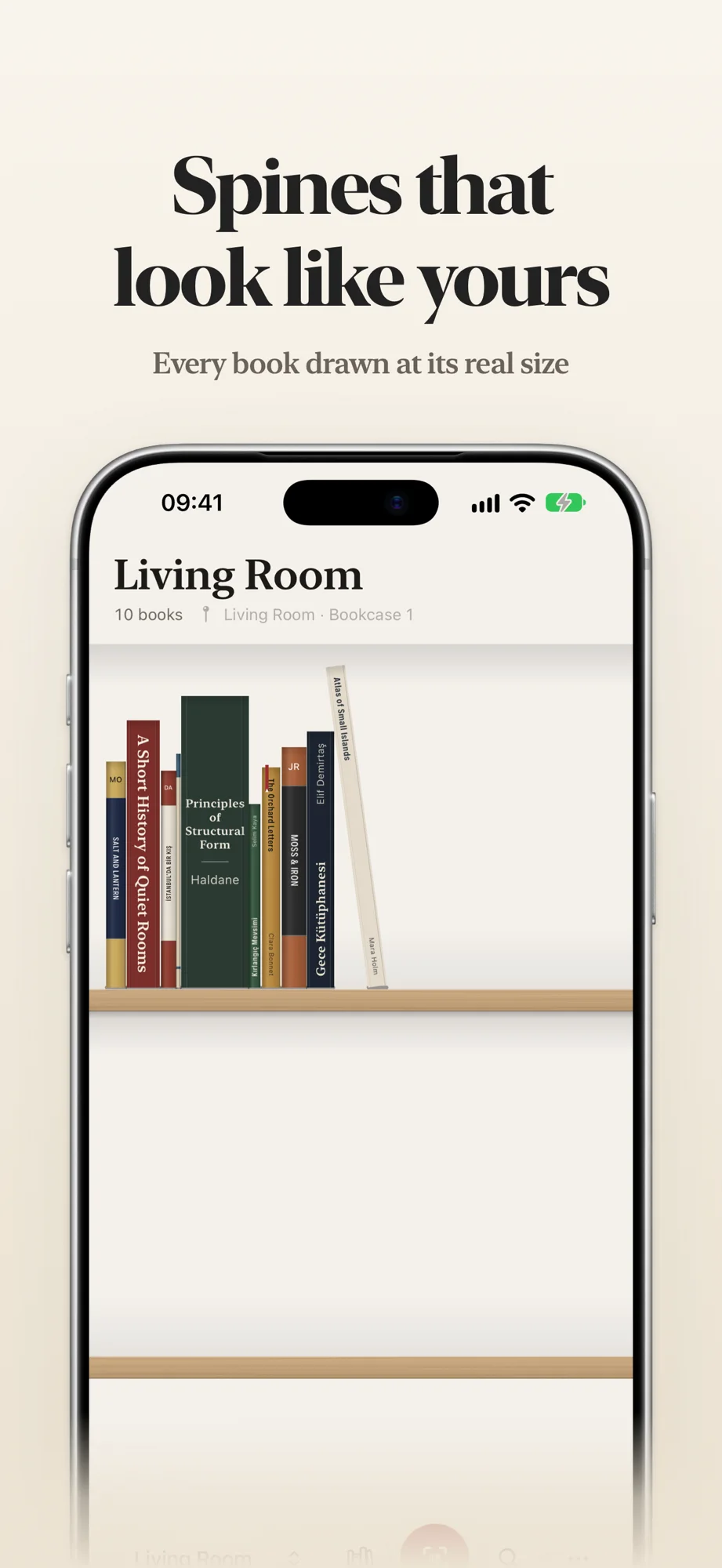
Shelfmark catalogs the print books you own and draws them the way they stand at home: real heights, real thicknesses, spines facing out or covers turned toward you.
On the iPhone
Screens from the current version on the App Store.
What it does
- Scan the barcode on a book; title, authors, publisher, pages and cover come from Open Library
- No barcode? The copyright page is read on your device
- Batch mode files a whole stack of scanned books at once
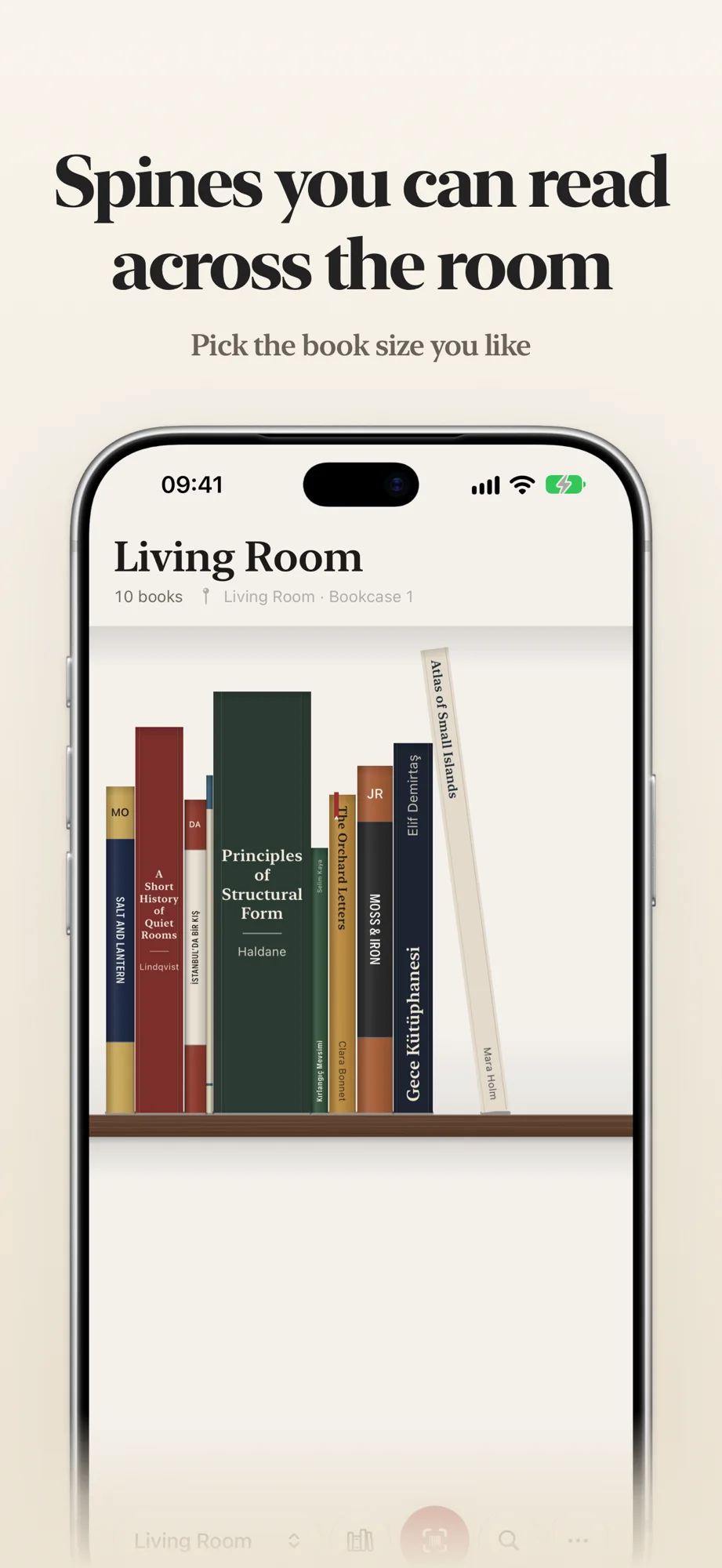
- Books drawn at their measured size, spines out or covers facing you
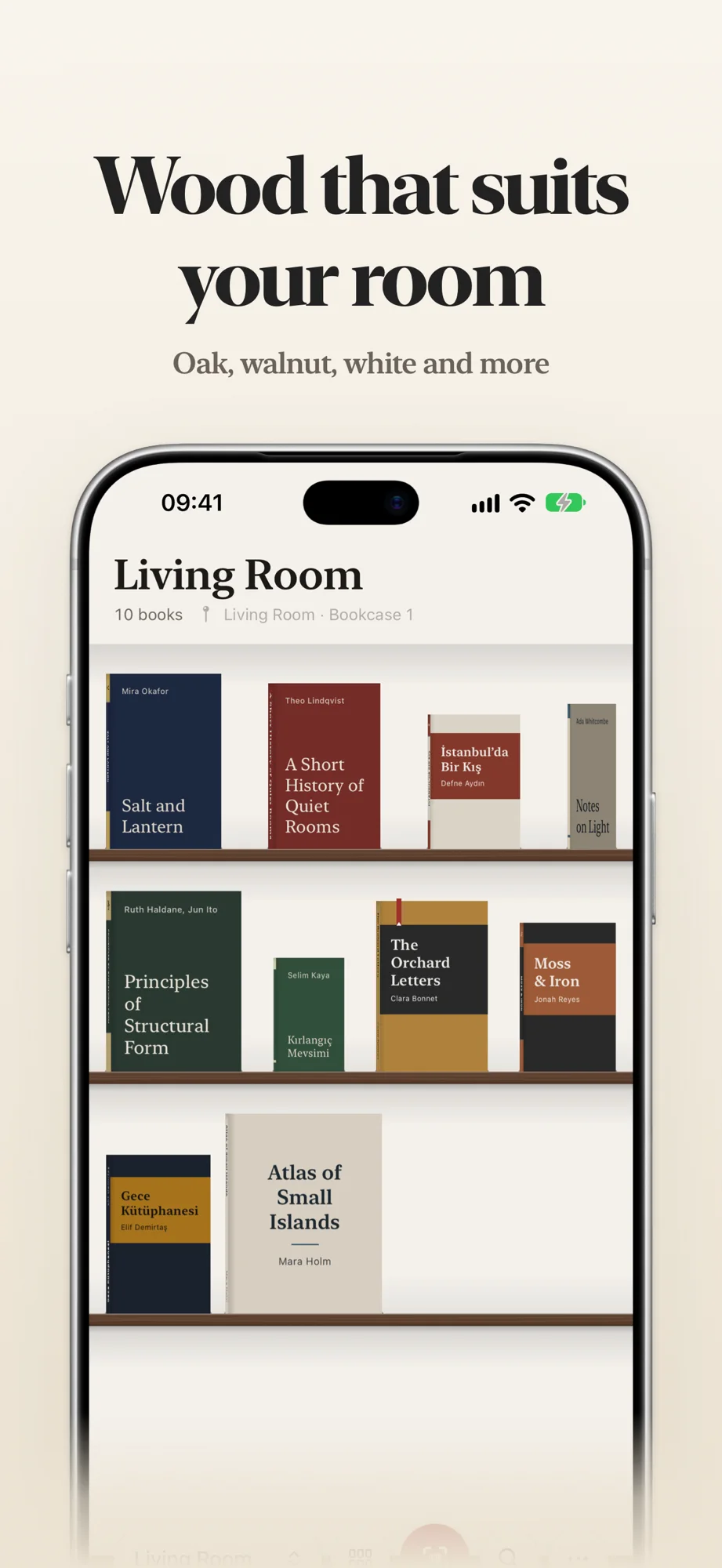
- Oak, walnut, white and more; several shelves side by side on iPad
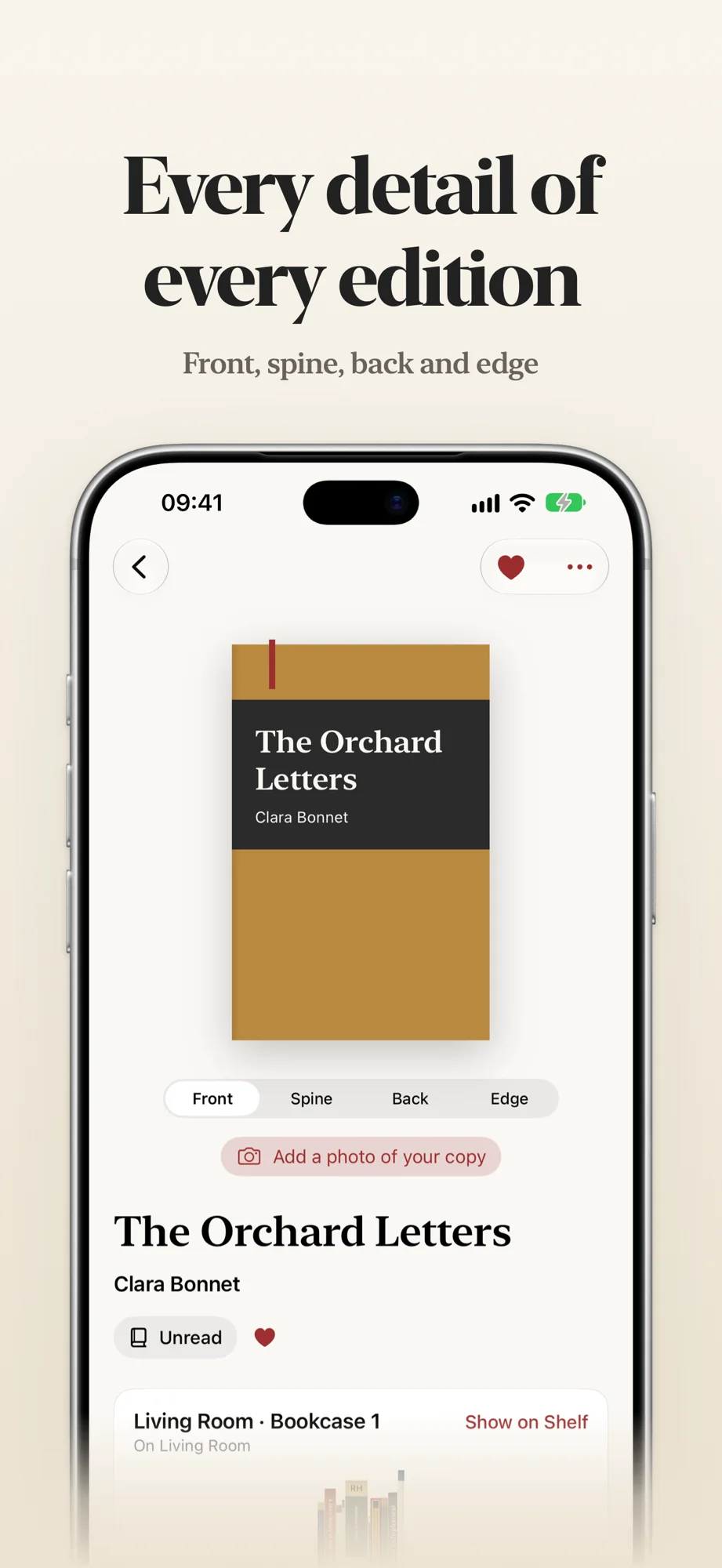
- Edition, format, condition, where you bought it and your own note
- Rooms, bookcases and rows, and who has the books you lent
- Bookstore mode tells you if you already own a book or another edition
- Goodreads and CSV import; CSV, JSON and full backup export
- No account; your library stays on your device or in your own iCloud
Add a book by scanning the barcode on its back cover. Shelfmark looks up the title, authors, publisher, page count and cover on Open Library. No barcode, or an older edition? Photograph the copyright page and the details are read on your device. Scanning a whole shelf at once is quicker with batch mode: keep pointing the camera, then file the stack in one go.
Shelves that match your room. Every book is drawn from its measured size, so a pocket paperback sits next to a tall art book the way it does on your wall. Choose spines or covers, oak or walnut, and a book size that suits how you browse. On iPad, keep several shelves side by side and drag books between them.
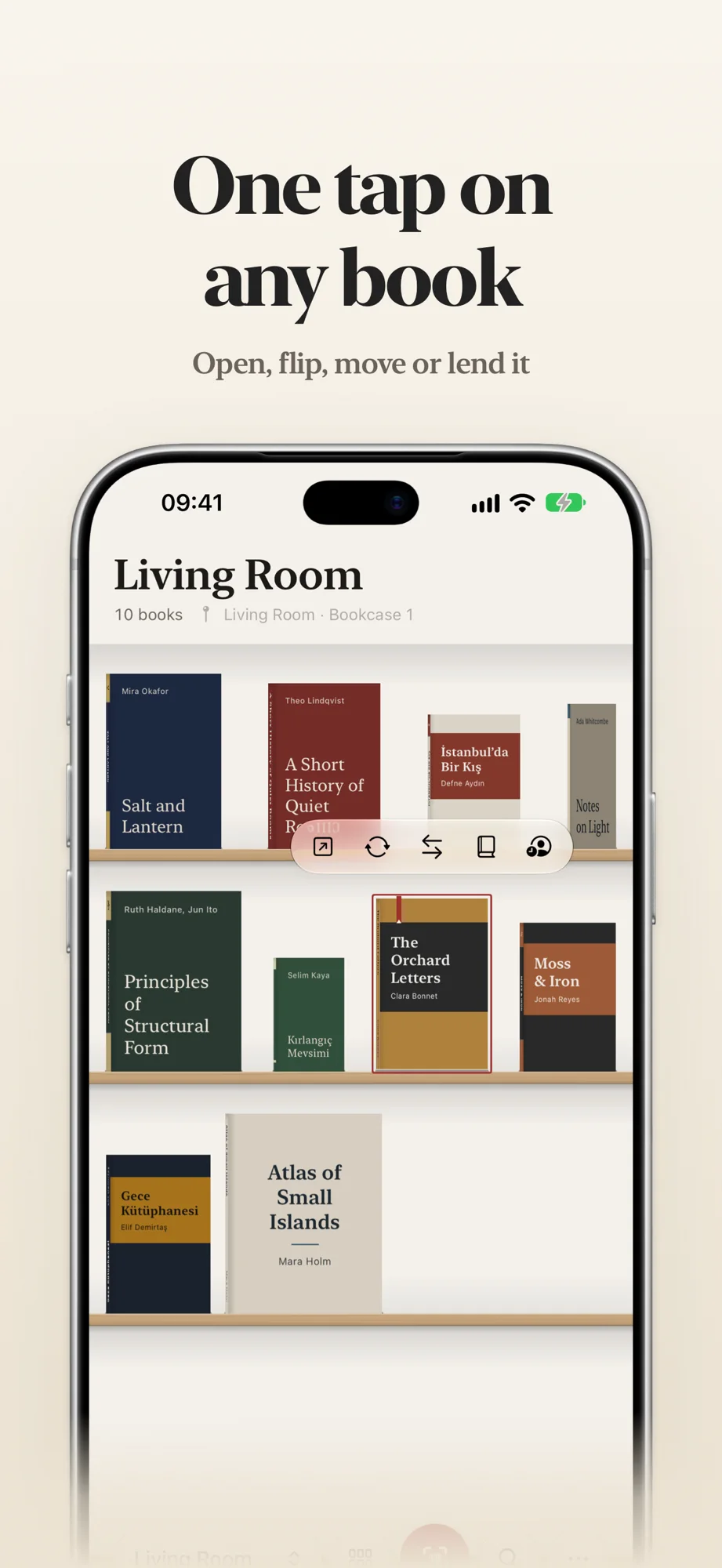
Every detail of every copy. Open a book to turn it around: front, spine, back and edge. Keep the edition, format, condition, where you bought it and a note of your own. Mark what you have read, what you are reading and what is next.
Know where everything is. Give each shelf a room, a bookcase and a row. When a friend borrows a book, note who has it and since when.
Already own it? In a bookshop, open Bookstore mode and scan a barcode. Shelfmark tells you at once if the book, or another edition of it, is already on your shelves.
Yours, on your device. No account. Your library lives on your iPhone or iPad, with optional sync through your own iCloud. Lookups send only the ISBN or the search text to Open Library. You can export everything as CSV whenever you like, and import a Goodreads export or any CSV.
The free version holds 60 books on 2 shelves. Shelfmark Pro adds unlimited books and shelves, every shelf mode and material, iCloud sync, locations and lending reminders. It is available as a monthly or yearly subscription or as a one-time purchase.
Related apps
More from home, car and work.
Shelfmark on the App Store
Scan, shelve & find your books.