 Utilities
iOS
Lean: Video & Photo Compressor
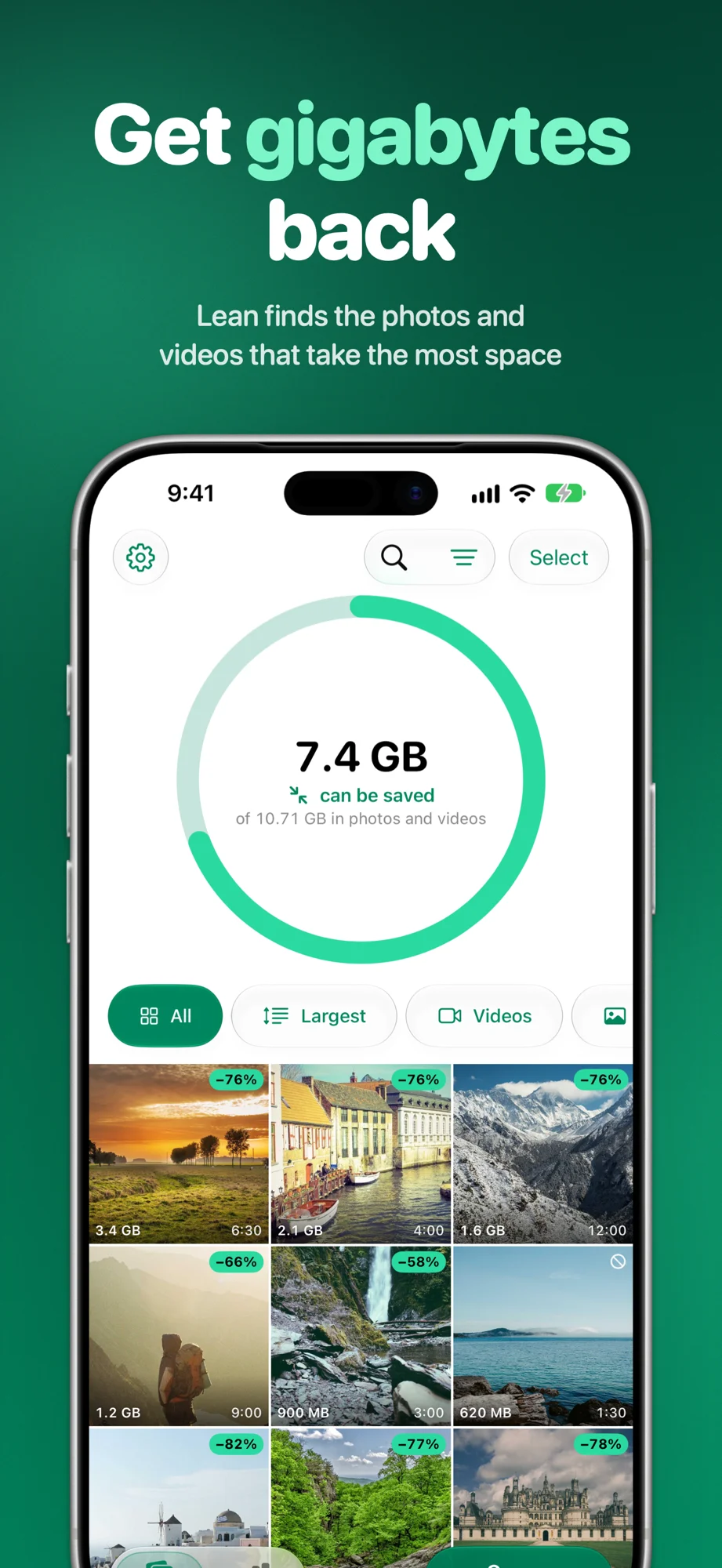
Your iPhone is full, and most of that space is a few dozen long videos and big photos. Lean finds them, re-encodes them on your device, and puts the smaller copy back in your library where the original was.
On the iPhone
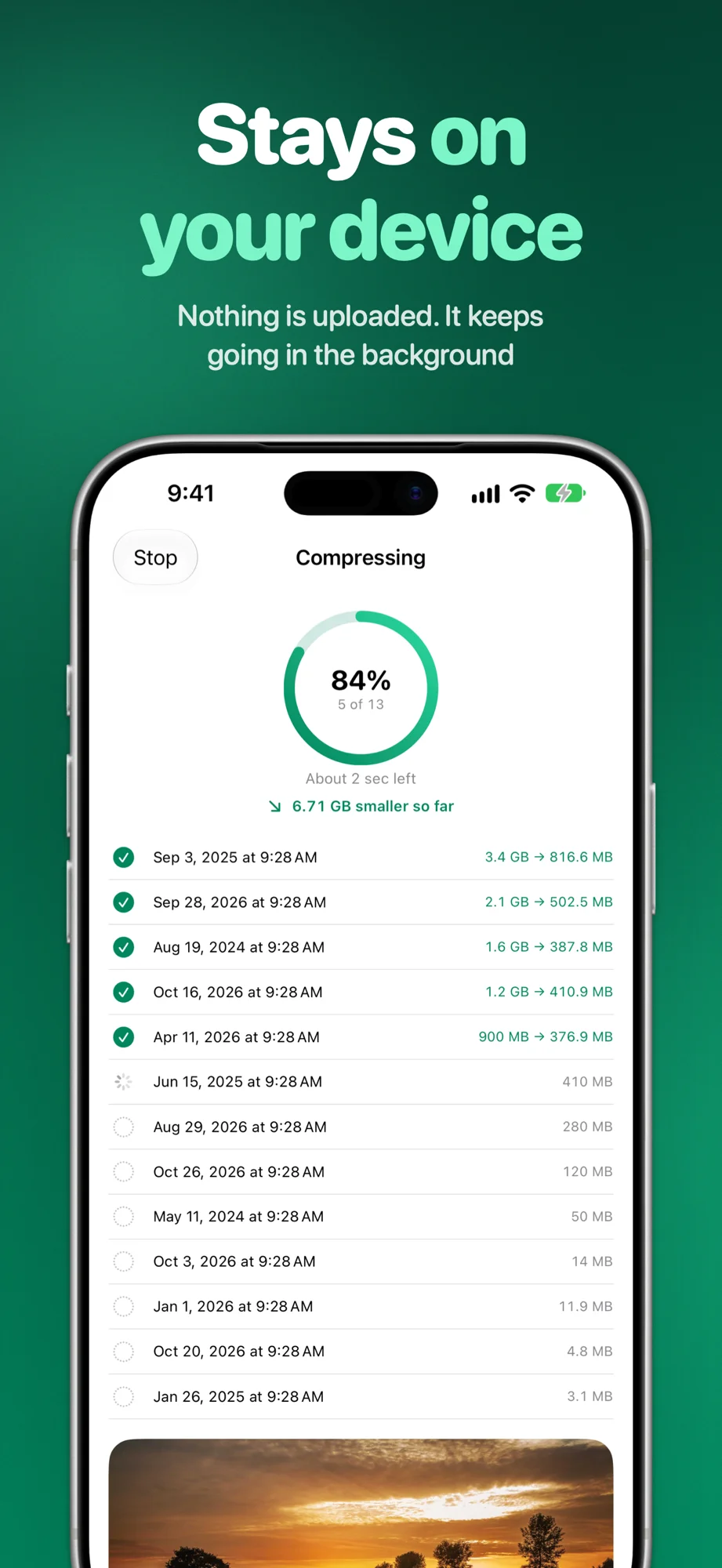
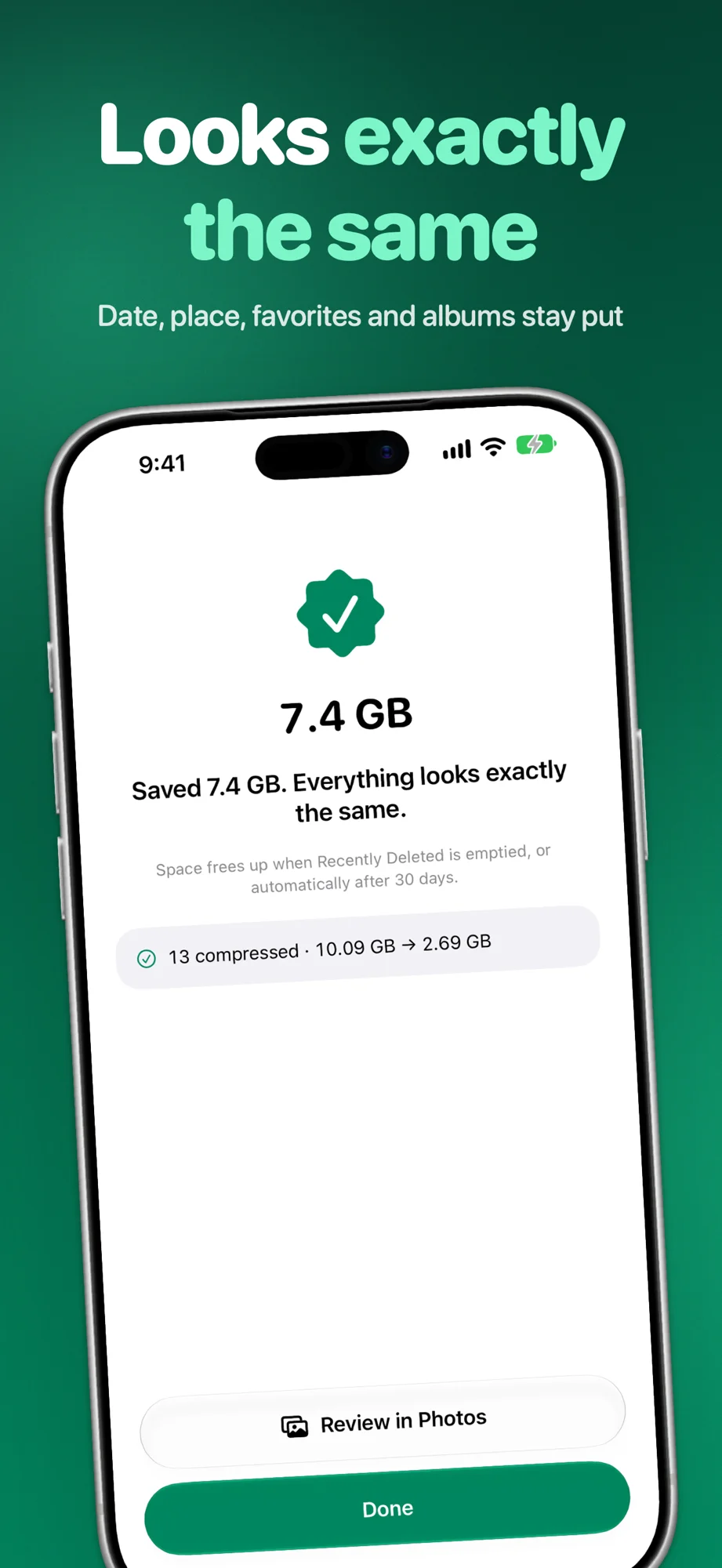
Screens from the current version on the App Store.
What it does
- Sorts your photos and videos by size, with the biggest at the top
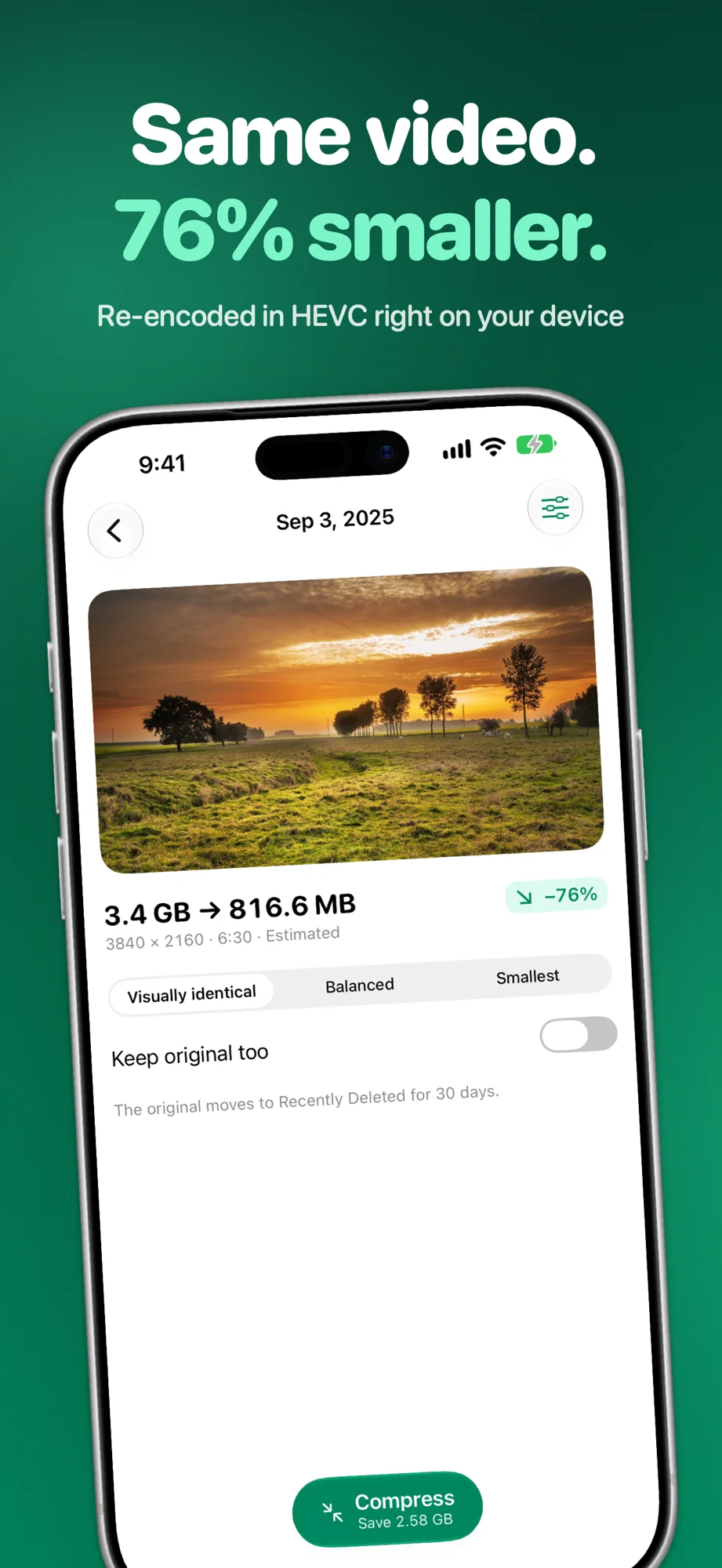
- Compresses photos to HEIC and videos to HEVC on your iPhone or iPad
- Keeps the date, location, favorite mark and albums of every item
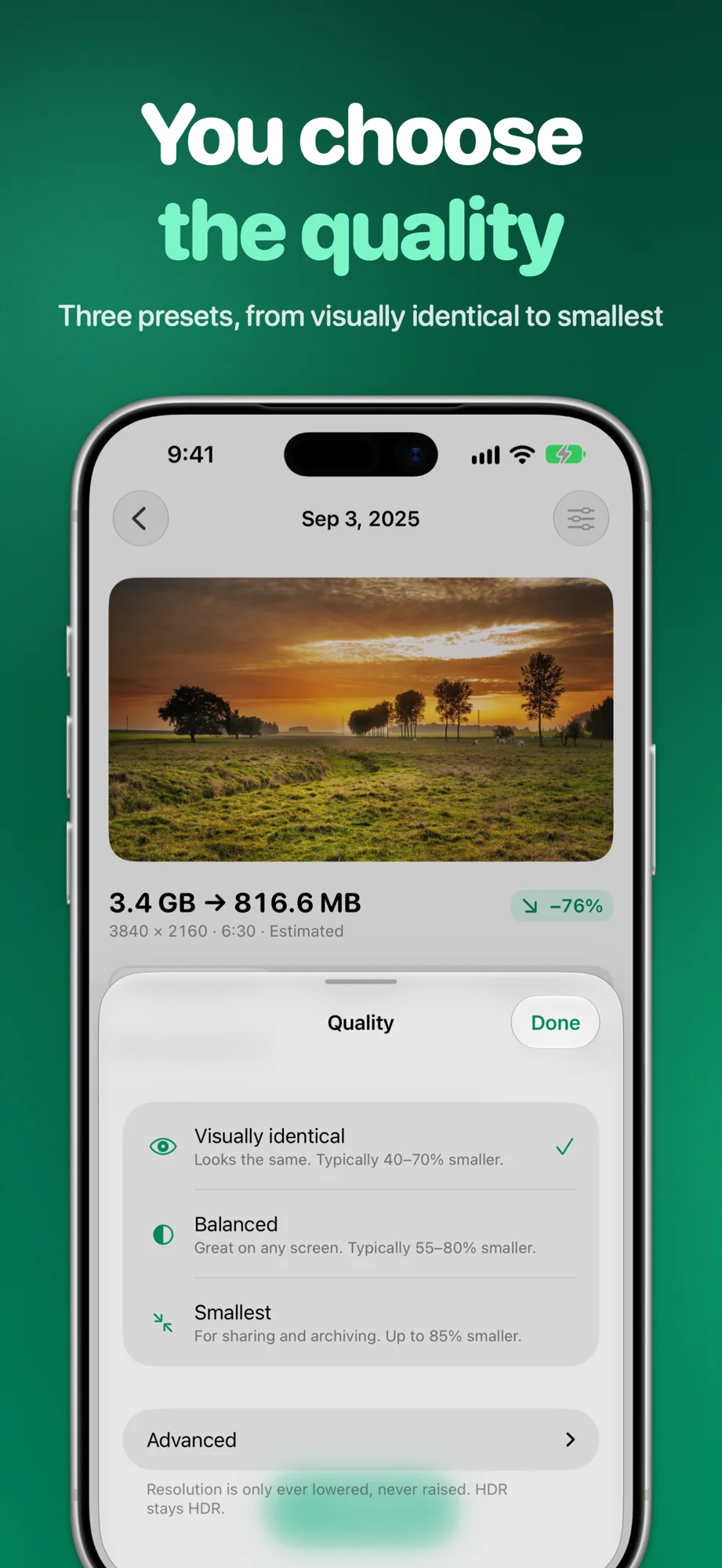
- Three levels, from Visually identical to Smallest, with a before and after slider
- Skips anything that would not come out at least 10% smaller
- Batches keep going in the background, with one notification when done
- Fit a video to 10, 25, 50 or 100 MB, then share or save the copy
- Originals go to Recently Deleted for 30 days, so you can go back
- 3 free compressions a week; Lean Pro removes the limit
A 1.2 GB video can become about 240 MB. Photos usually shrink by half or more and look the same.
What lean does
Sorts your whole library by size, so the biggest space wasters are at the top
Compresses photos to HEIC and videos to HEVC, the formats your iPhone already uses
Keeps the date, location, favorite status and albums of every item
Keeps Live Photos live, with the still and the motion paired
Keeps HDR as HDR, and only ever lowers resolution, never raises it
Skips anything that wouldn't get at least 10% smaller, so nothing is re-encoded for no gain
Leaves RAW, Portrait, Cinematic, slo-mo and animated items untouched, because compressing them would lose something
Pick how lean
Looks the same: typically 40–70% smaller
Great on any screen: typically 55–80% smaller
For sharing and archiving: up to 85% smaller
A before and after slider shows the result before you commit.
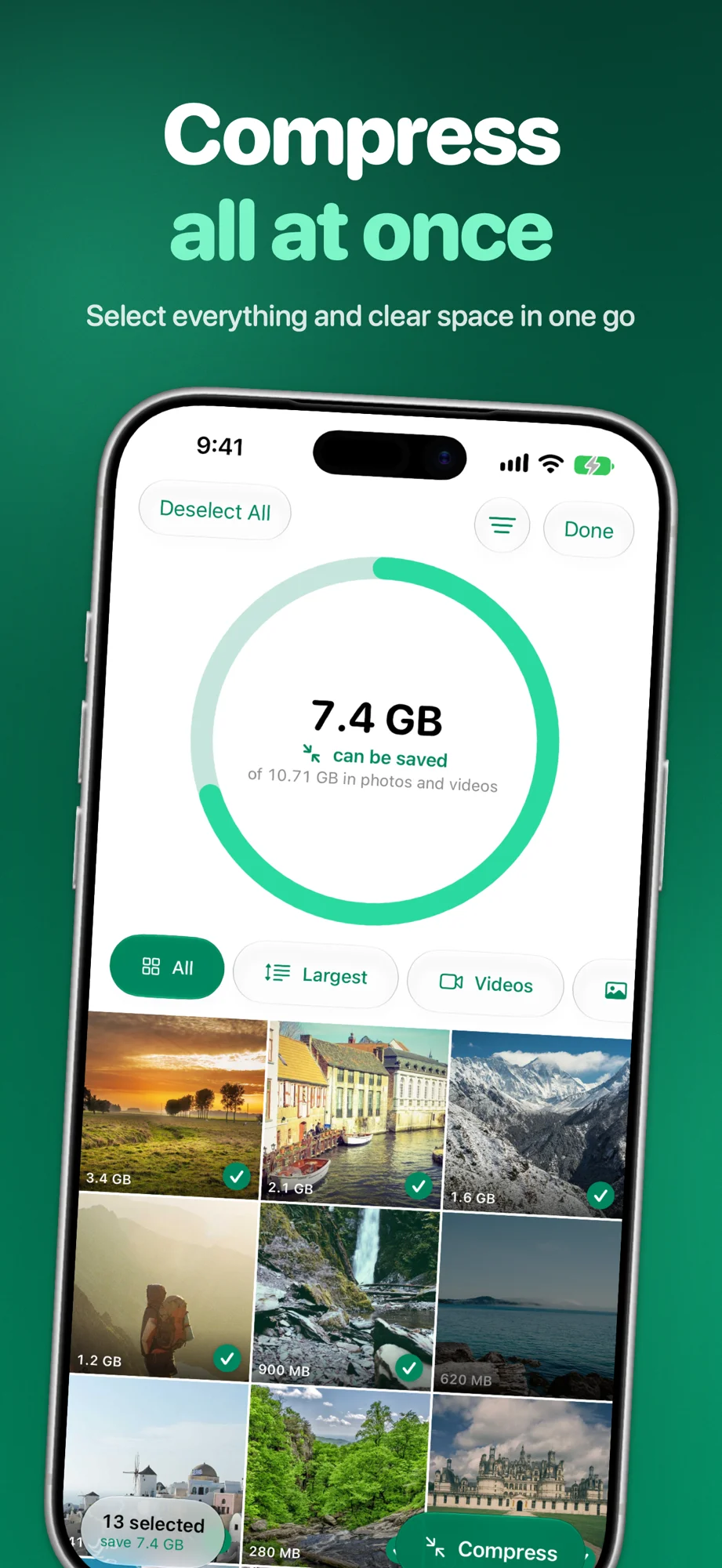
Hundreds at once
Queue a whole batch and leave the app. Compression keeps going in the background and one notification tells you when it's done. Items stored in iCloud are downloaded as they are compressed.
You stay in control
Originals move to Recently Deleted, where they stay for 30 days, so you can always go back. Space is freed when that album is emptied.
Shortcuts
Ask Siri or run a shortcut to start compressing your largest items.
Private by design
Everything happens on your iPhone or iPad. No account, no uploads, no tracking.
Fit a video to a size
Pick 10, 25, 50 or 100 MB and Lean makes a smaller copy that fits, ready to share or save. The original stays as it is.
Unlimited compression comes with Lean Pro.
Free in your browser
No install needed to try the idea first.
Related apps
More from sound and video.


Lean on the App Store
Compress Photos & Reduce Size.