 Video
iOS
QuellCut - Silence Remover
Tired of manually cutting awkward pauses from your videos? QuellCut automatically detects and removes silent segments — so your content sounds polished and professional in minutes, not hours.
On the iPhone
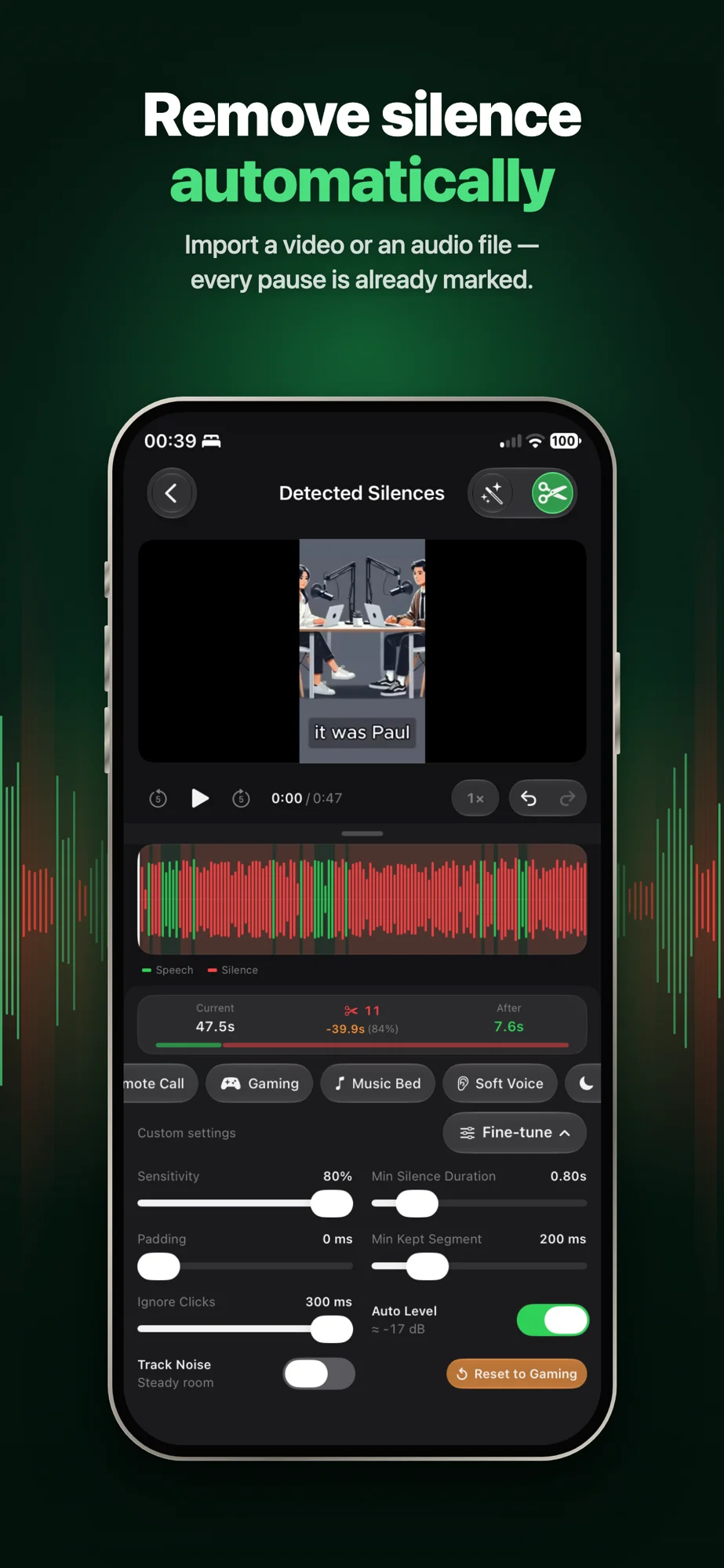
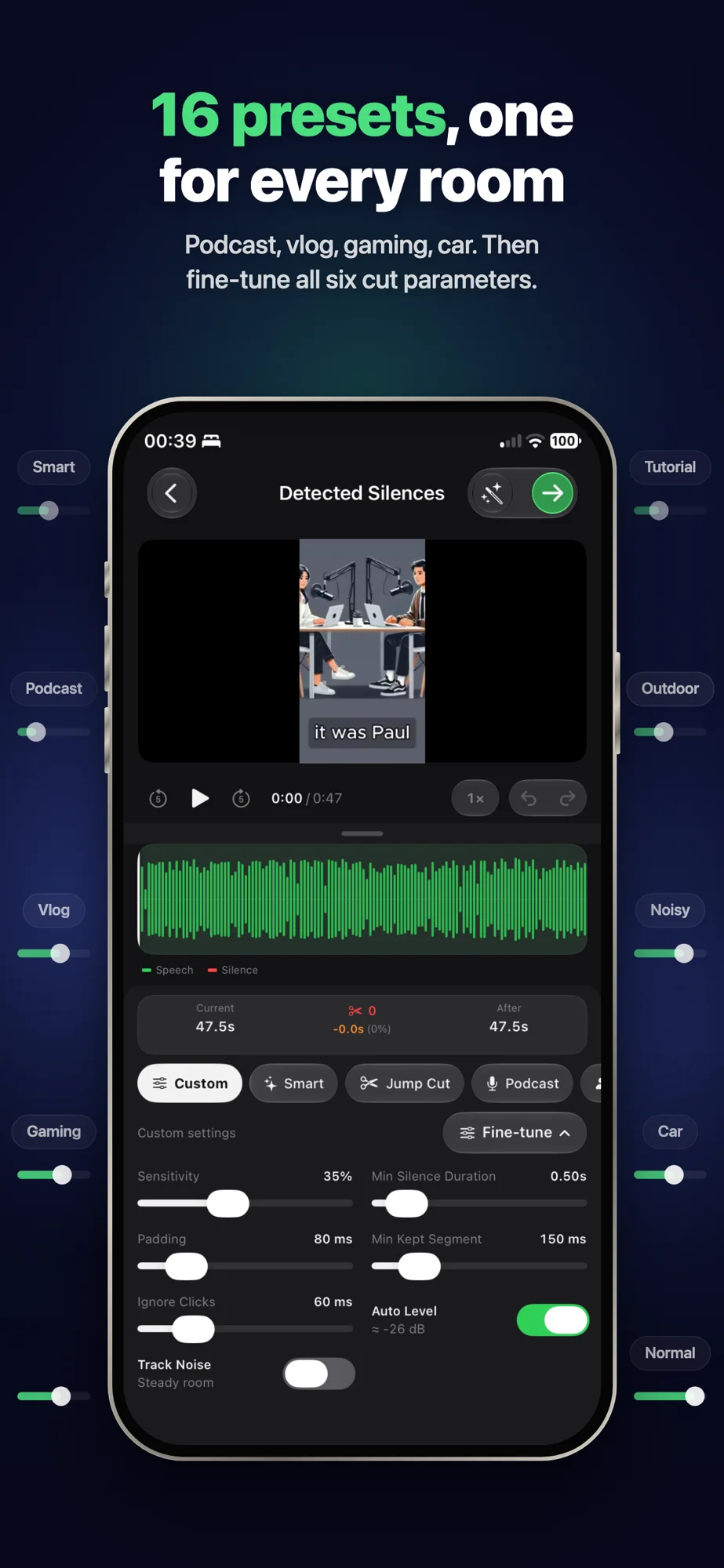
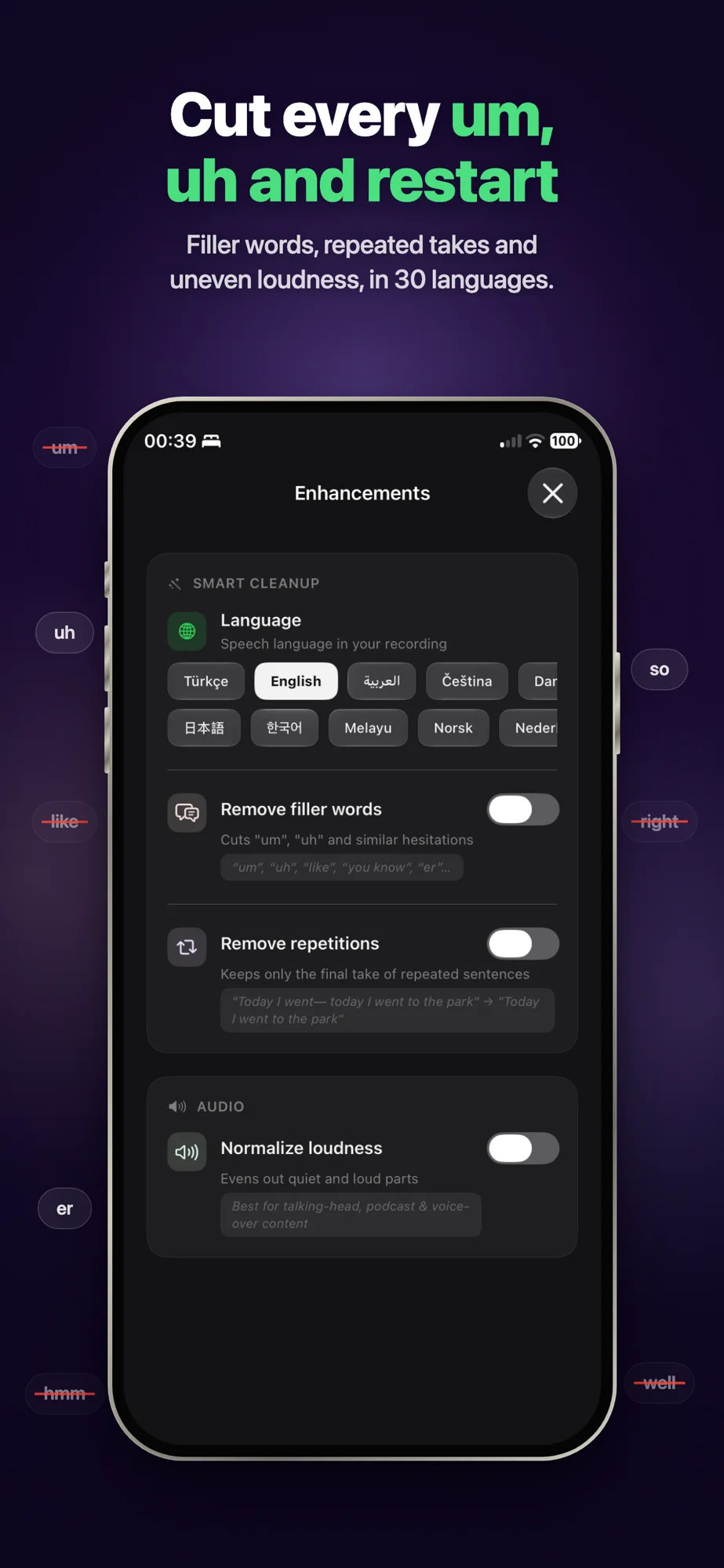
Screens from the current version on the App Store.
What it does
- 16 silence-detection presets, Smart by default, plus a manual threshold
- Filler words such as "um", "uh" and "you know" detected and removed
- Repeated phrases and false starts found and removed with one tap
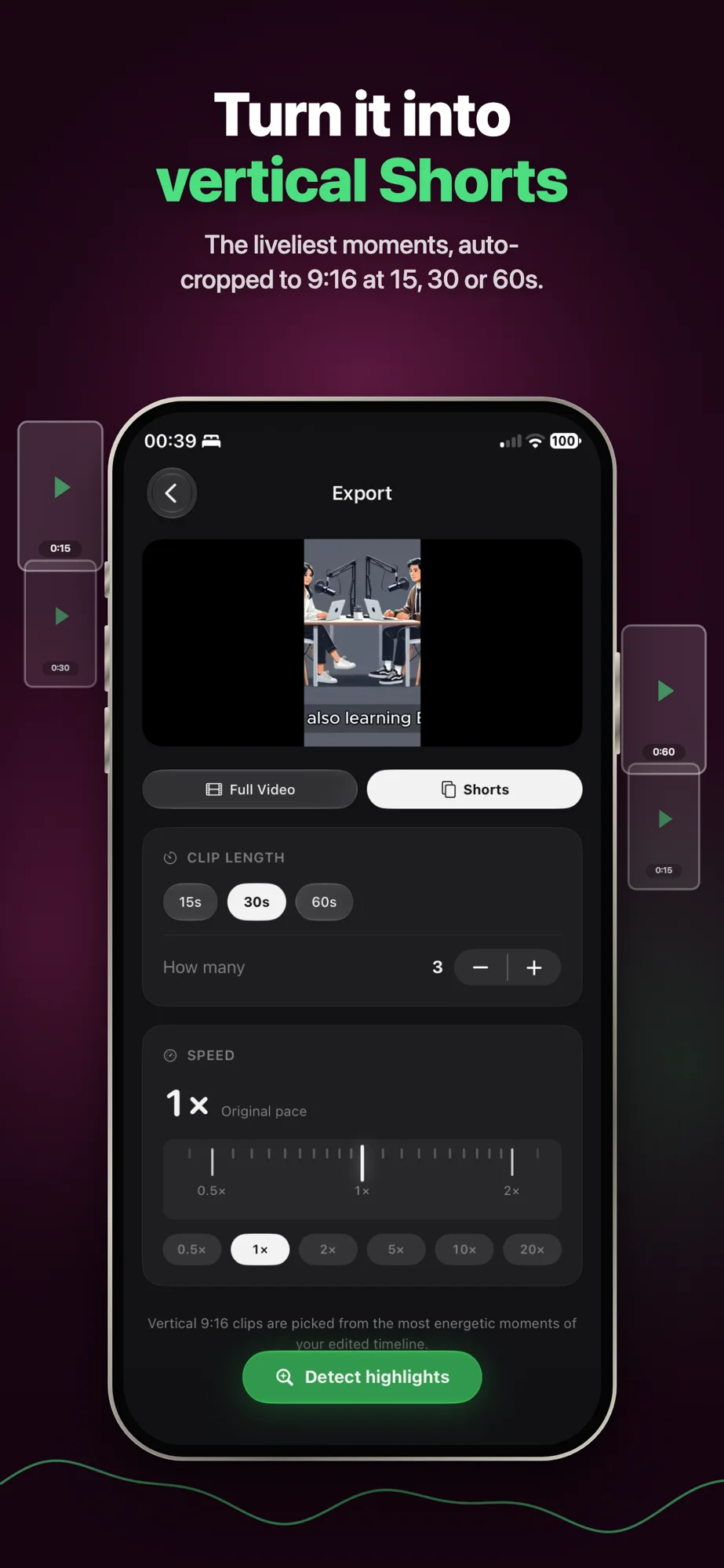
- Vertical 9:16 Shorts pulled from the most engaging moments
- Loudness normalized to -16 LUFS
- Audio in as MP3, M4A, AAC, WAV, AIFF, FLAC or CAF, out as M4A, MP3 or WAV
- Video export at Highest, 1080p or 720p, at any speed from 0.25x to 20x
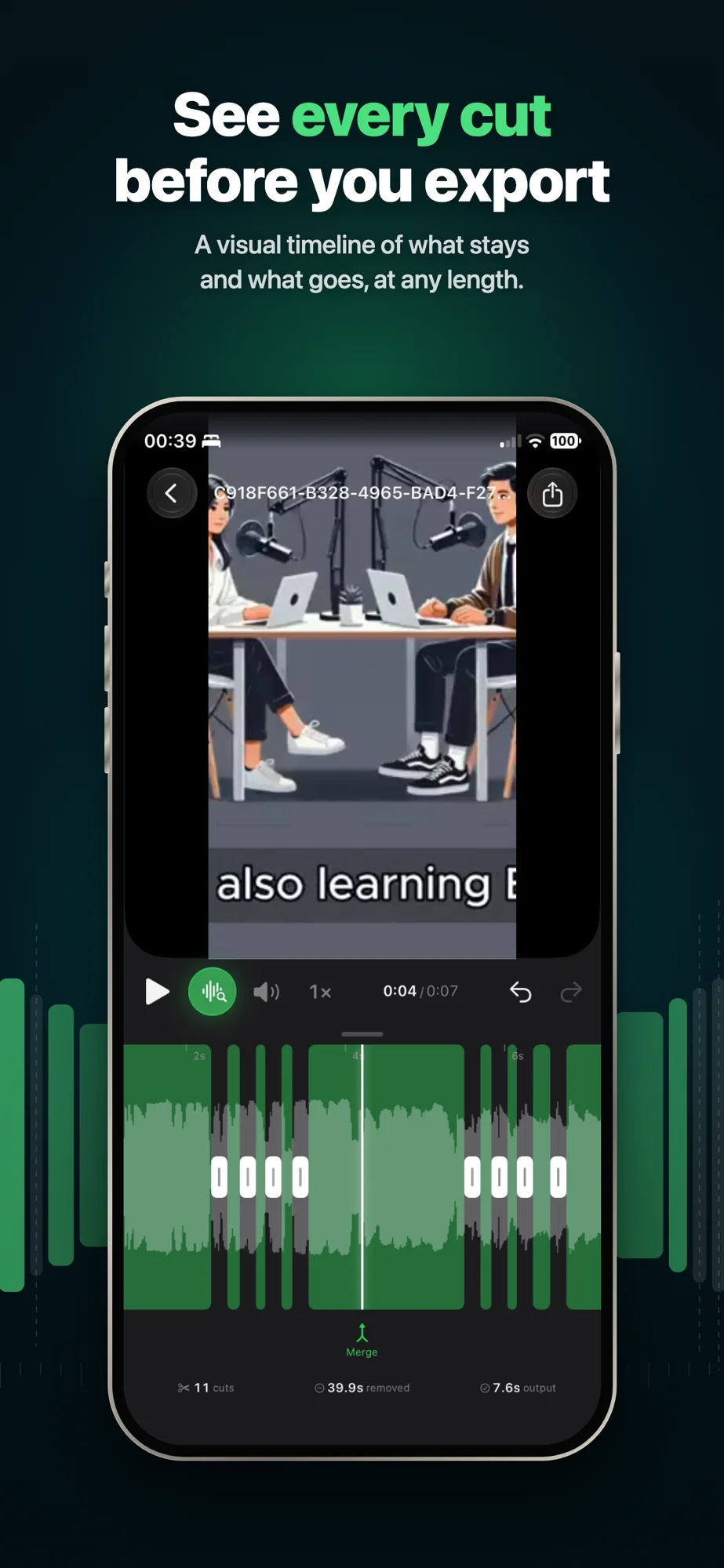
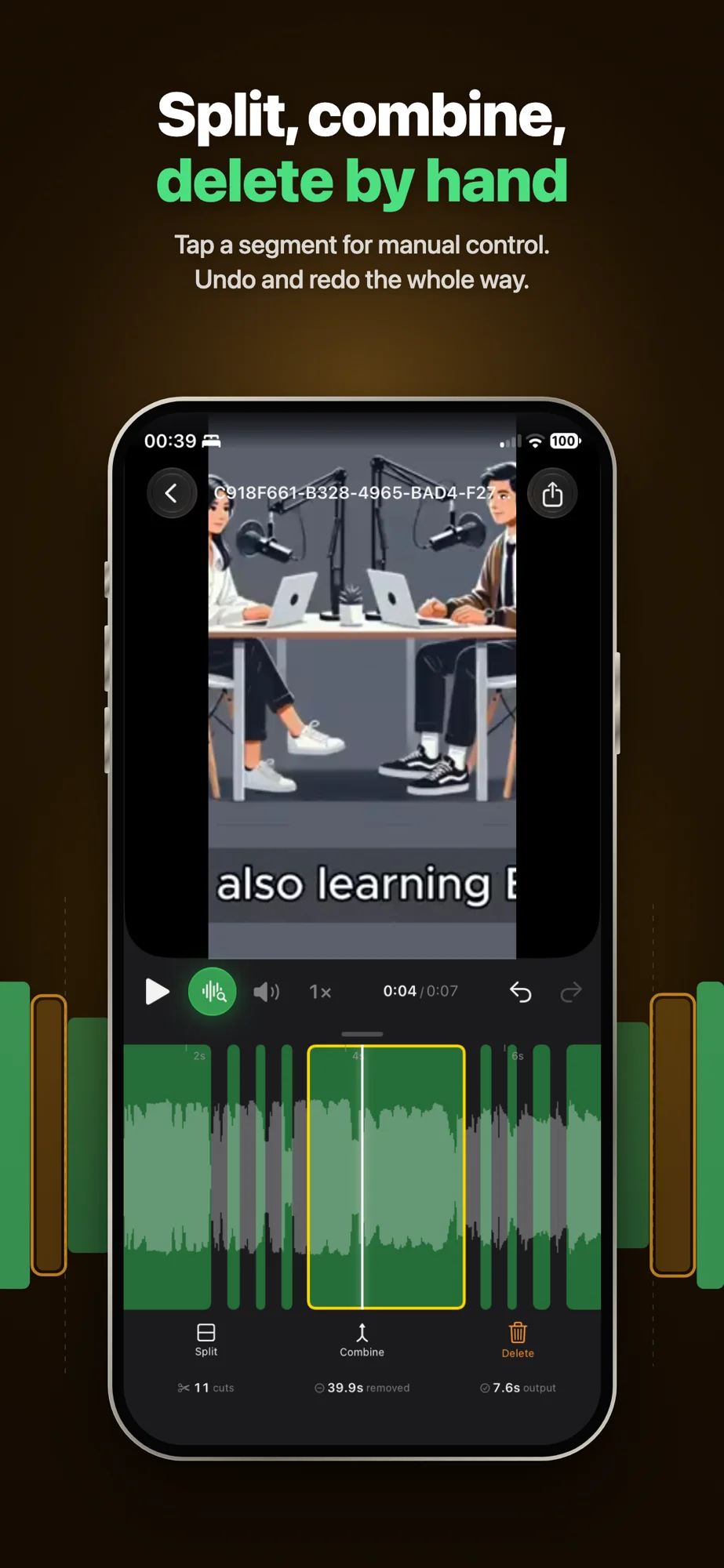
- Every cut shown on a timeline and switched off one by one
- Silence detection, editing and export on device; files are never uploaded
Whether you're a podcaster, YouTuber, educator, or content creator, QuellCut saves you hours of tedious editing by intelligently finding every pause, dead air moment, and unnecessary silence in your footage.
KEY FEATURES:
▸ video and audio files
Not just video. Import MP3, M4A, AAC, WAV, AIFF, FLAC and CAF to clean up podcasts, interviews and voice memos, then export as M4A (AAC), MP3 or WAV.
▸ automatic silence detection
Import a video or audio file and QuellCut analyzes the waveform to find every silent moment. Start from one of 16 presets, Smart by default or one built for podcasts, interviews, vlogs, tutorials, remote calls and more, or fine-tune the threshold yourself.
▸ filler word removal
Go beyond silence. QuellCut detects and removes filler words like "um," "uh," "you know," and more. Clean up speech automatically for a professional result.
▸ repetition detection
Stumbled over a sentence? QuellCut identifies repeated phrases and false starts so you can remove them with one tap.
▸ shorts & clips extraction
Automatically find the most engaging moments in your video and export them as vertical 9:16 Shorts — ready for YouTube Shorts, Instagram Reels, or TikTok.
▸ audio normalization
Balance your audio levels automatically to broadcast-standard loudness (-16 LUFS) for consistent, professional sound.
▸ handles any length
From 30-second clips to 24+ hour recordings — QuellCut handles it all without breaking a sweat. Perfect for long podcasts, lectures, live streams, and interviews.
▸ full control
Review every detected cut on a visual timeline. Toggle individual segments on or off. Adjust padding, minimum silence duration, and blip removal to get exactly the edit you want.
▸ private by design
Silence detection, editing and export run on your iPhone — your files are never uploaded. Filler-word detection uses Apple speech recognition, on device wherever your language supports it.
▸ flexible export
Choose your output quality and resolution. Export with original aspect ratio preserved. Share directly or save to your photo library.
HOW IT WORKS:
1. import a video from your library
2. quellcut analyzes and marks all silent segments
3. review, adjust, and export your polished video
Perfect for:
- Podcasters who want clean, tight episodes
- YouTubers who need fast turnaround
- Educators creating lecture content
- Anyone who records video and wants to remove dead air
Download QuellCut and turn hours of editing into minutes.
Exports and plans
Import, edit and preview as much as you like. Each month you can export 3 projects for free, and exporting one of those projects again that month is free too. QuellCut Pro unlocks unlimited exports with a Yearly or Monthly plan, or a one-time Lifetime purchase. The Yearly plan starts with a 7-day free trial for eligible new subscribers. Payment is charged to your Apple ID at confirmation. Subscriptions renew automatically unless cancelled at least 24 hours before the end of the current period; manage or cancel them in your App Store account settings. Unused free-trial time is forfeited when you buy a subscription.
Related apps
More from sound and video.


QuellCut on the App Store
Jump Cut Pauses & Filler Words.