 Health & Fitness
iOS
Nocturne: Sleep Talk & Snore
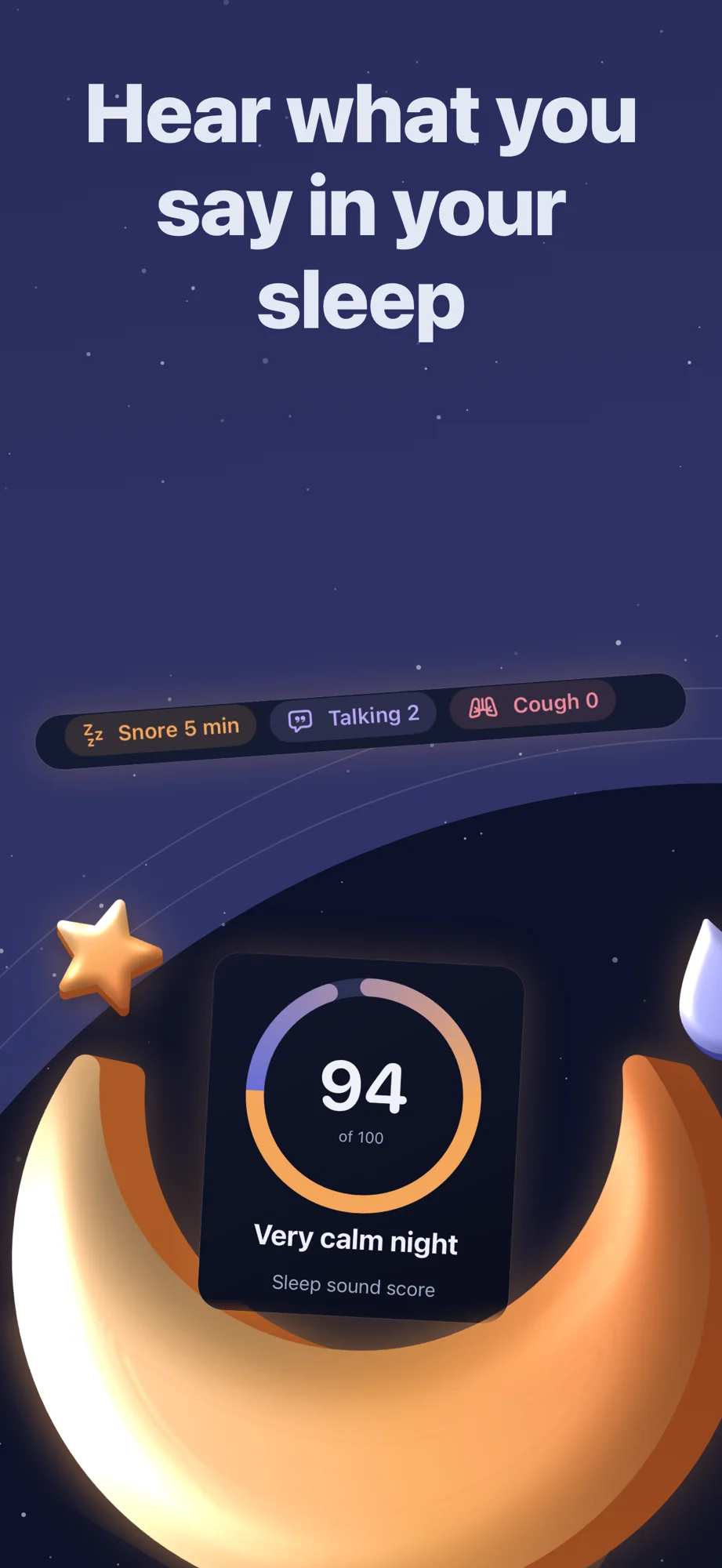
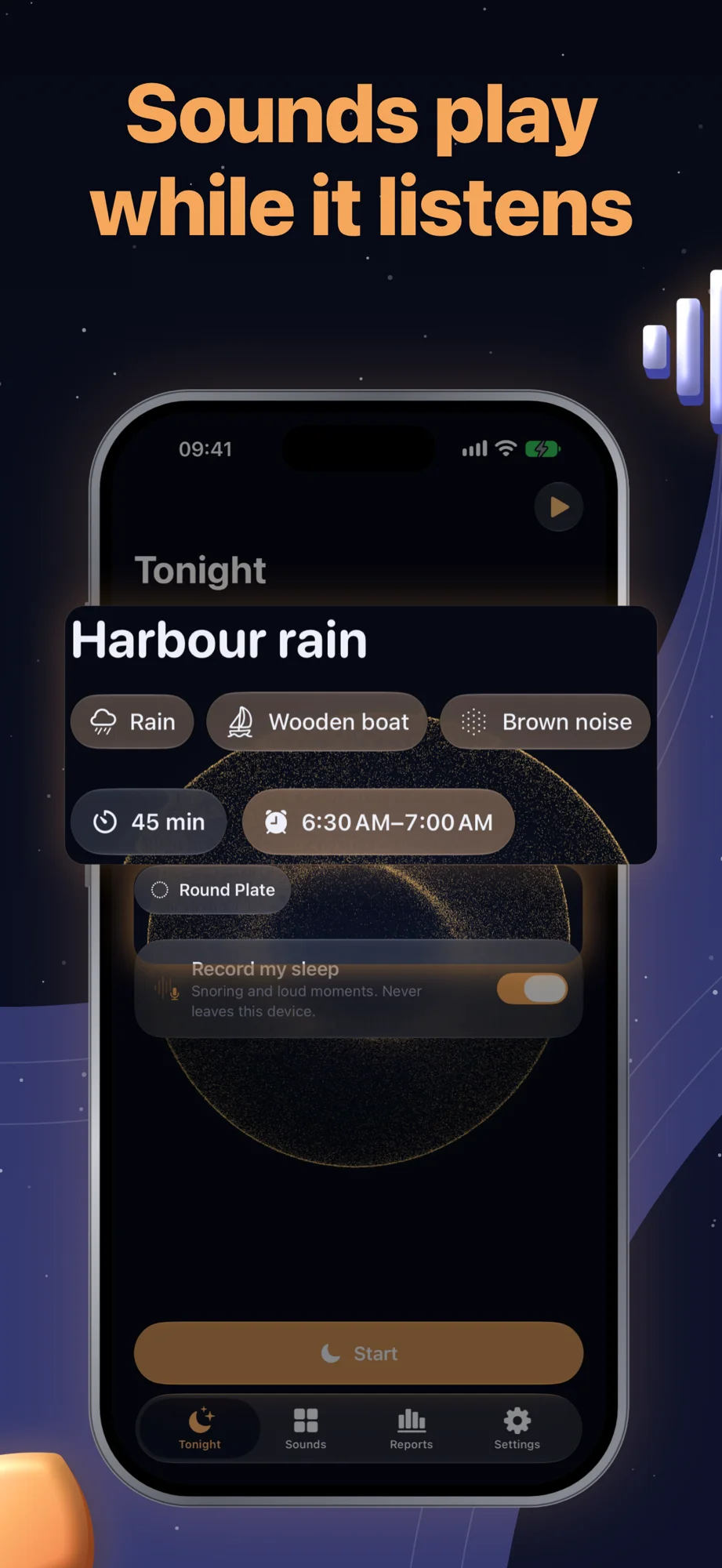
Ever been told you talk in your sleep, or that you snore? Leave Nocturne on the nightstand and in the morning it shows you what the room heard: the moments you talked in your sleep, the minutes of snoring, and the loud noises in between, each with a short clip you can play back.
On the iPhone
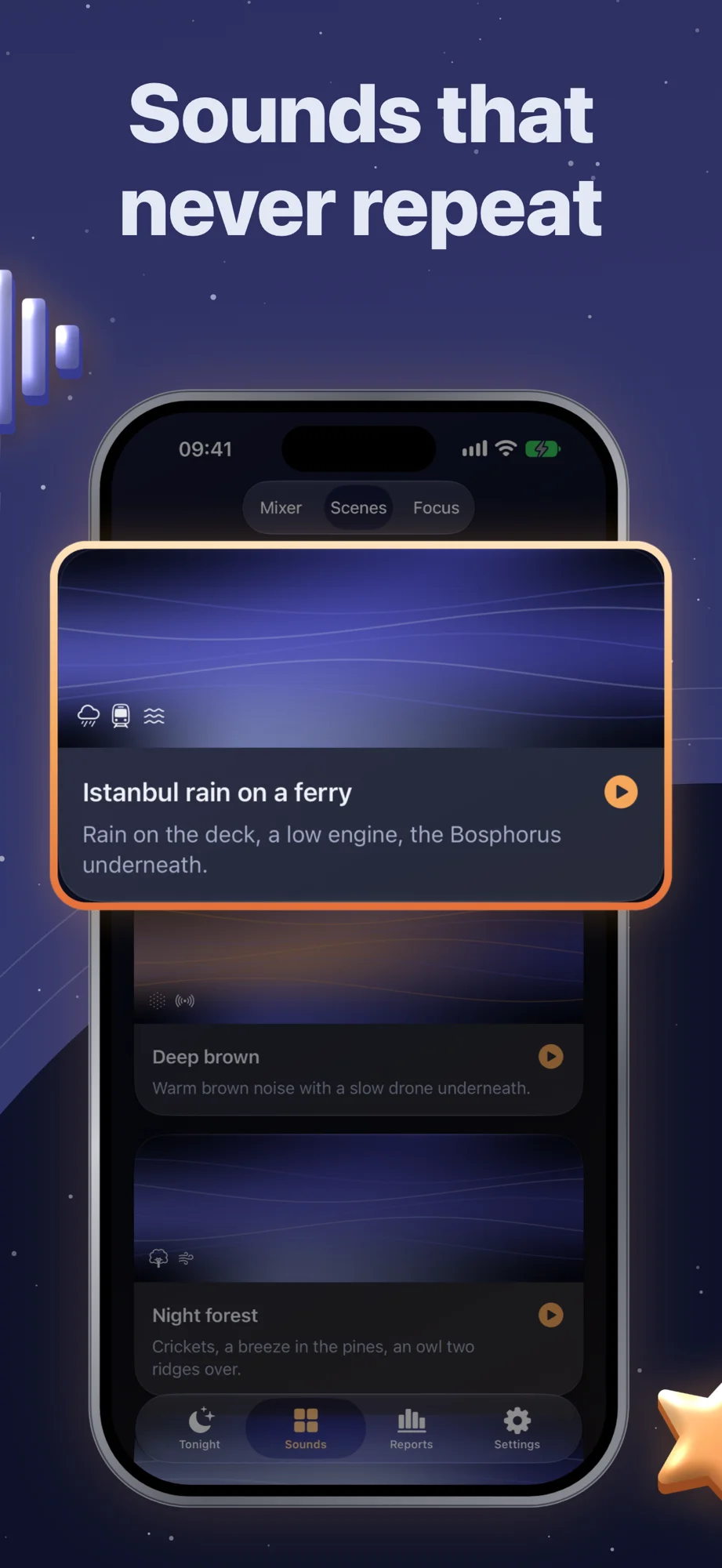
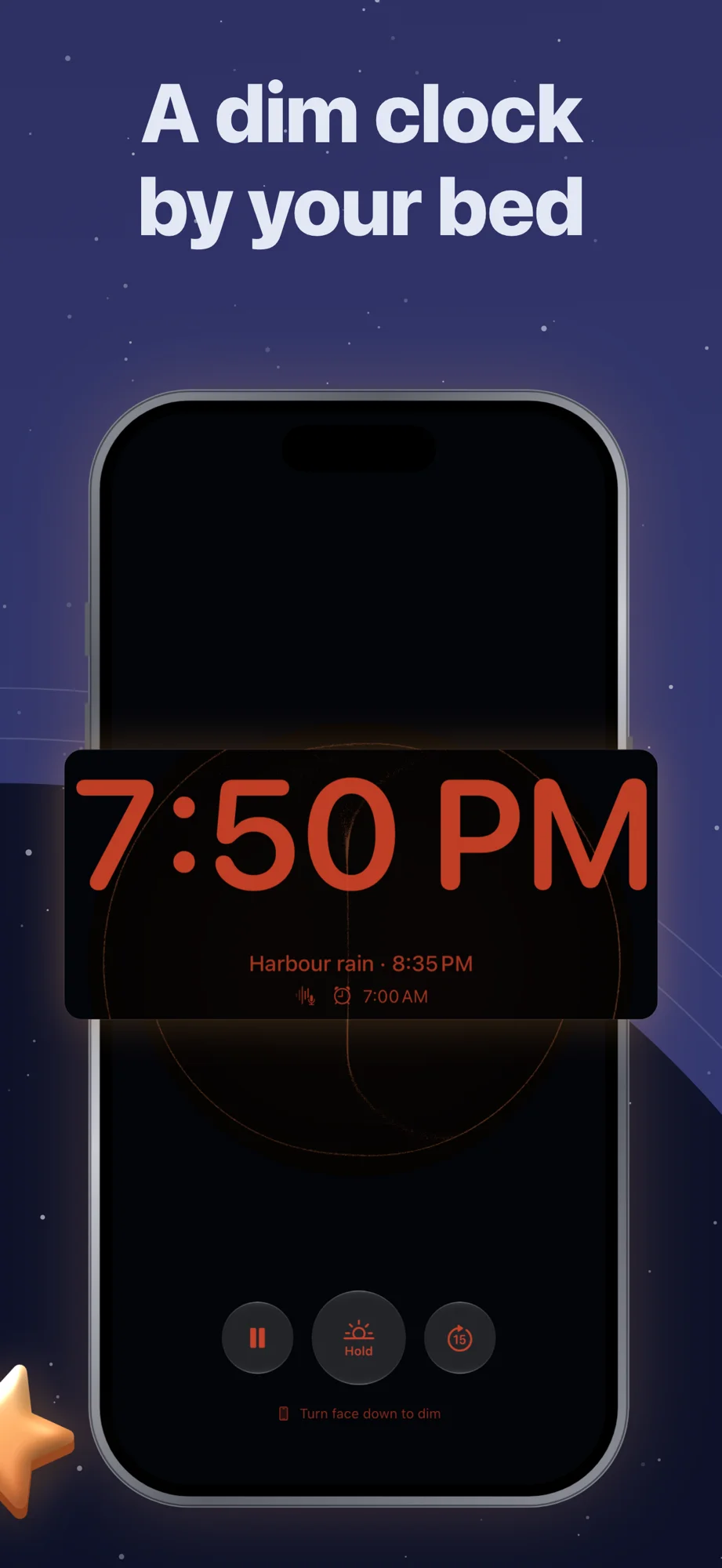
Screens from the current version on the App Store.
What it does
- Records every night for free, with the latest report and its three loudest clips
- On-device detection of sleep talk, snoring, coughs and loud noises
- Sleep talk turned into text on your device; share any moment as video or audio
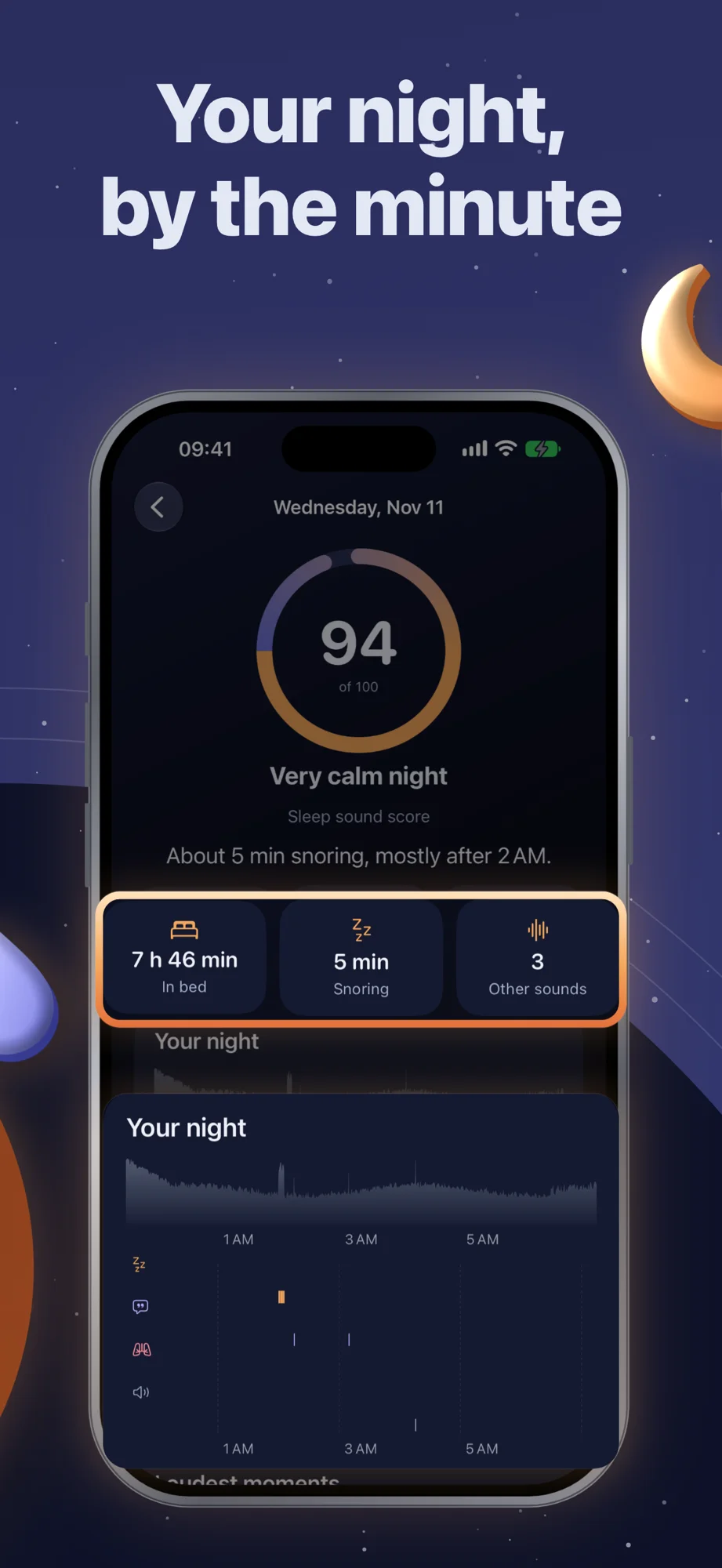
- A morning report with a sleep sound score, a timeline and a list of moments
- 32 generated sounds and 12 slow-changing scenes that never loop
- A smart wake window with a gradual sunrise sound and a backup alarm
- Widgets, a Live Activity, a Control Center control and Shortcuts actions
- No account; nothing is uploaded and clips delete themselves
Your night, recorded
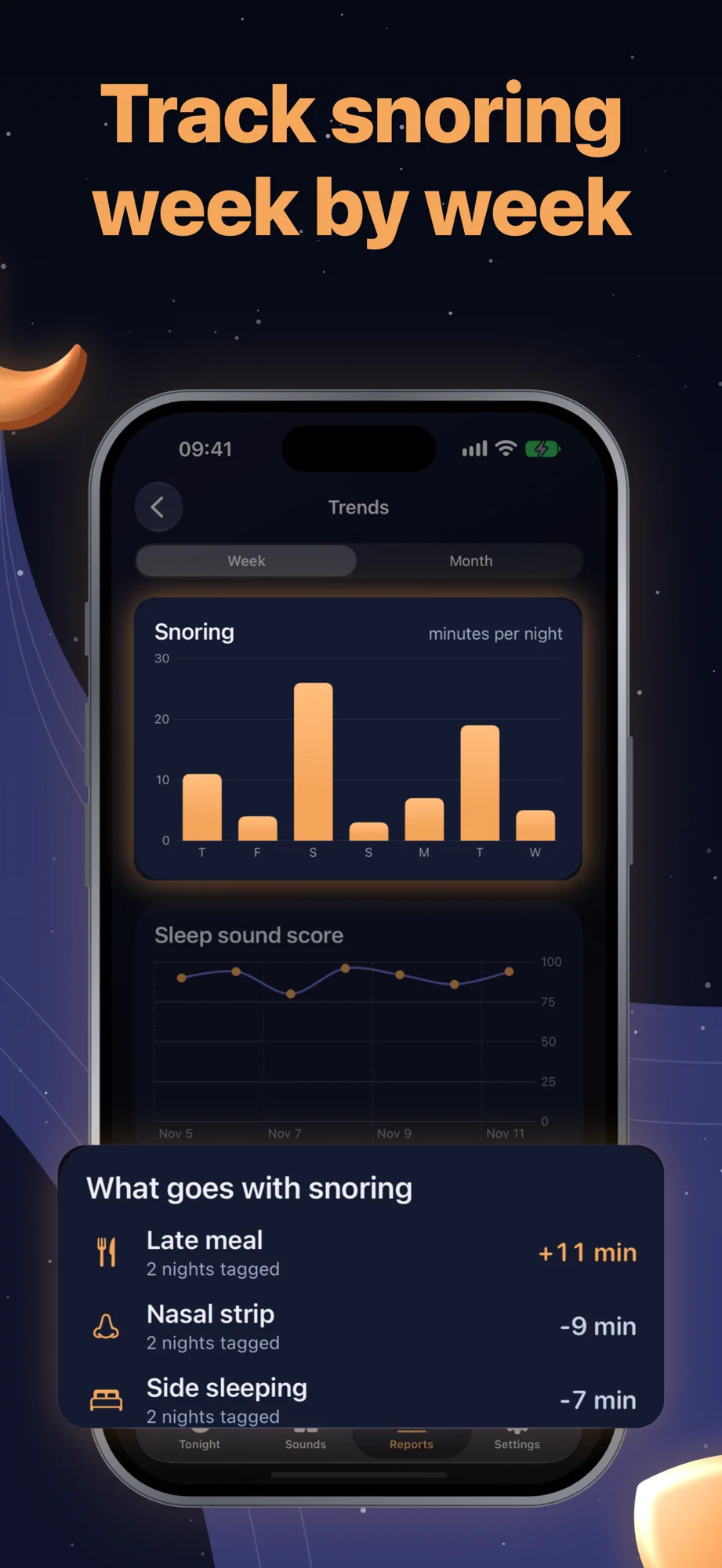
Turn on Record my sleep before bed. Nocturne listens with an on-device sound classifier and marks sleep talk, snoring, coughs and loud noises on a timeline of the night. Short clips are saved around each moment, so you can hear what you said at 3 a.m., play back the loudest snoring over coffee, and relabel anything that was the dog, not you. Sleep talk can be turned into text on your device, and any moment can be shared as a video or an audio clip. Tag the evening with a late meal, a glass of wine or a nasal strip, and the weekly view shows which nights went quieter.
The morning report
Each recorded night gets a sleep sound score, a minute-by-minute timeline and a list of moments, from the first sleep talk to the last snore. Reports stay on your iPhone or iPad until you delete them.
Sounds to fall asleep to
Nocturne can play a sound while it records. Nothing is a recording on a loop: rain, surf, wind, a crackling fire and every noise color are synthesized as they play, so there is no seam to catch in the night. Pick from 32 sounds, from brown, pink and white noise and a bedroom fan to a night train and a felt piano, or one of 12 slow-changing scenes. Stack up to five layers and the screen fades to a dim, warm bedside clock, with sand patterns that move with the sound if you like.
A gentler morning
Set a wake window and Nocturne rings when the room turns restless inside it, with a sunrise sound that rises gradually instead of a sudden beep. A backup alarm is scheduled in case the app is closed during the night.
Around your iphone
Last Night and Sleep Sounds widgets, a Live Activity while a night runs, a Control Center control that starts your sound, and Shortcuts actions. Focus mode plays brown noise or a café murmur alongside a work and break timer.
What stays on your device
There is no account and nothing is uploaded. Sound analysis happens on the device, and clips delete themselves after the number of days you pick. If you turn it on, Nocturne writes your time in bed and focus minutes to Apple Health and reads nothing back.
Coming from Streak Chart?
Nocturne replaces Streak Chart. Your existing purchase carries over as lifetime Nocturne Pro, and your old habits can be exported once as a CSV file.
Nocturne reports sounds, not health. It is not a medical device and does not diagnose, treat or prevent snoring, sleep apnea or any other condition. If you are worried about your breathing at night, please see a doctor.
Nocturne pro
Every night can be recorded without Nocturne Pro, with the latest night's report and its three loudest clips. Nocturne Pro adds past nights, every clip and weekly trends, every sound and scene, five layers, all-night play, the smart wake window, the moving sound patterns and Focus mode. It is offered as a yearly or monthly auto-renewing subscription or as a one-time lifetime purchase. Payment is charged to your Apple Account when you confirm the purchase. Subscriptions renew automatically unless cancelled at least 24 hours before the end of the current period, and you can manage or cancel them in your Apple Account settings.
Related apps
More from sound and video.
Nocturne on the App Store
Snoring Recorder & Monitor.