 Productivity
iOS and macOS
Mena: Mind Map & Concept Map
Private visual notes for iPhone, iPad and Mac. Build mind maps and concept maps on an infinite canvas, study with FSRS flashcards, and sync through your private iCloud storage, with no account.
On the iPhone
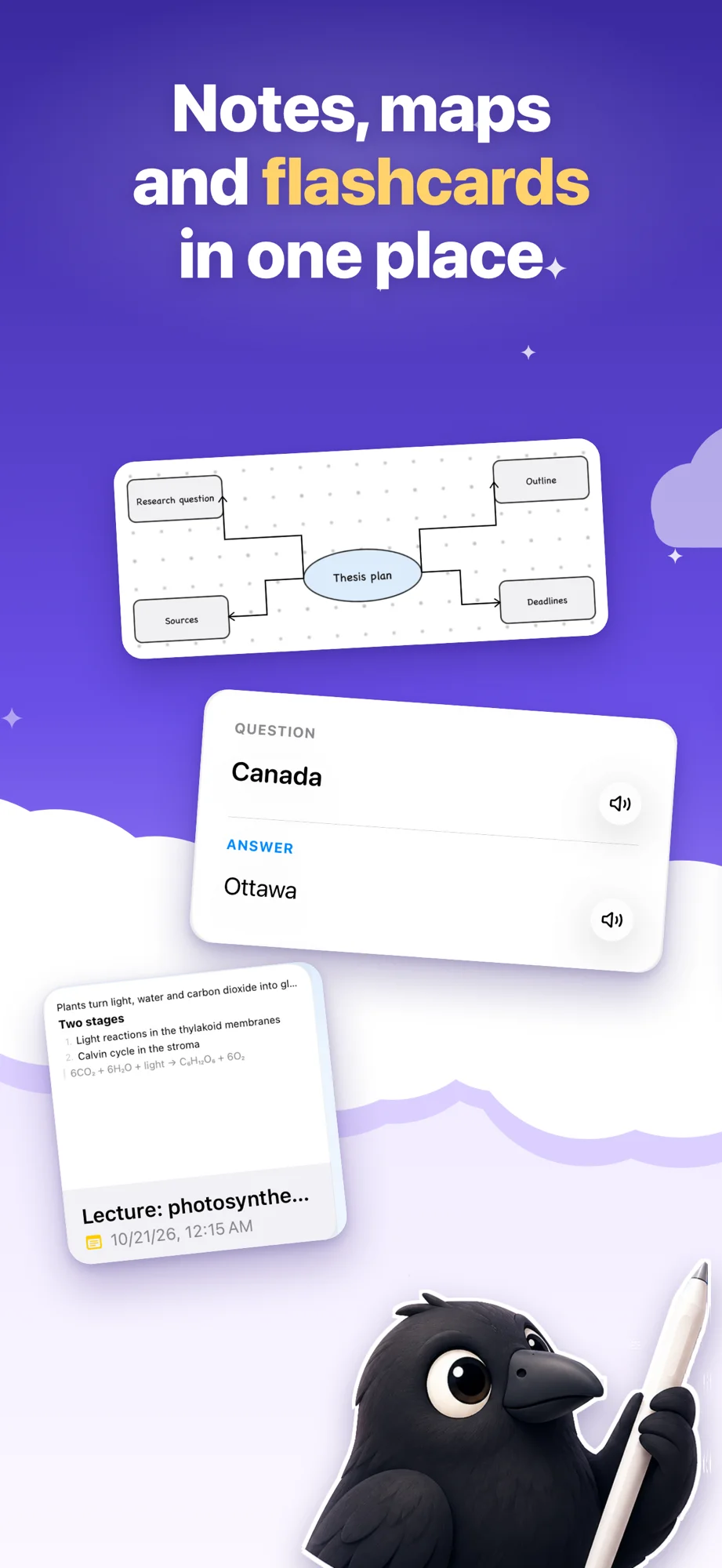
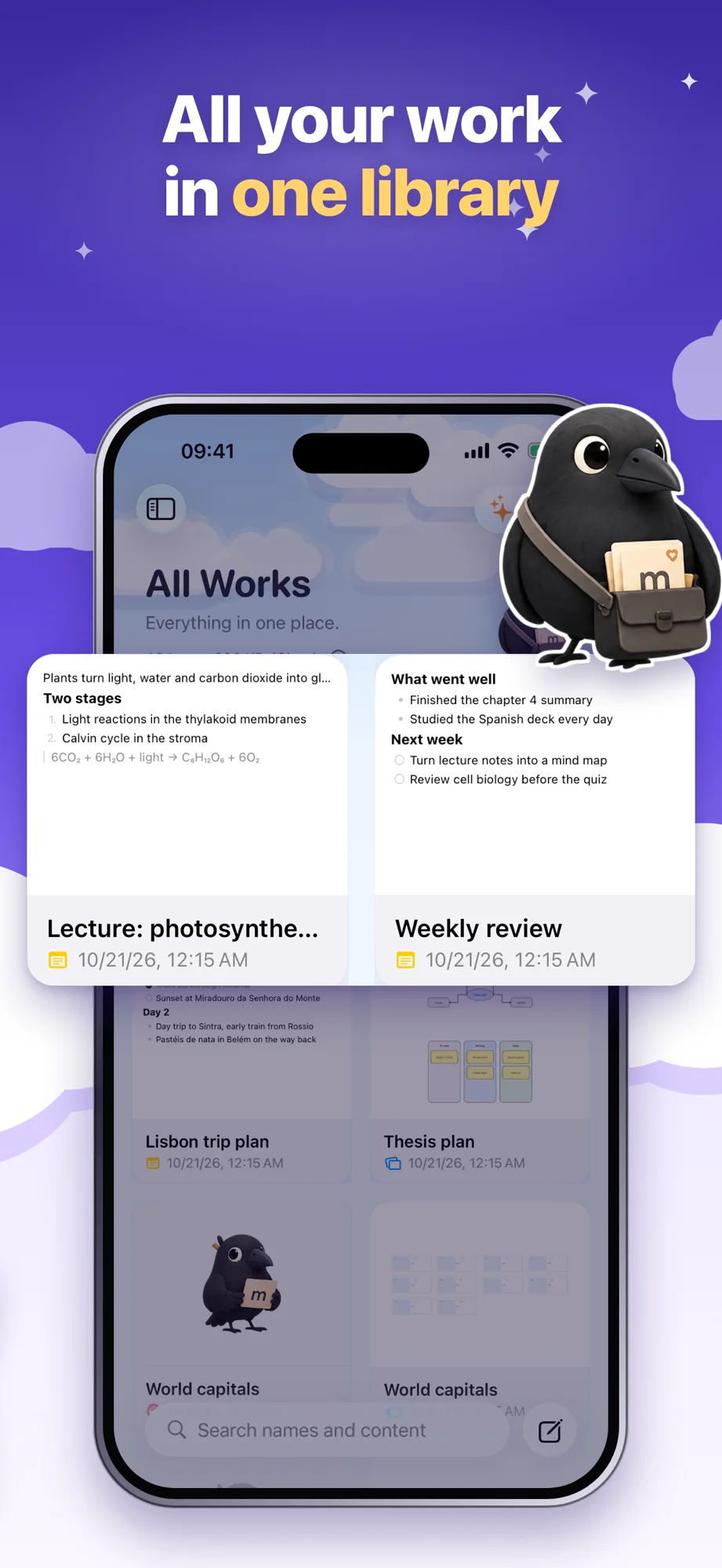
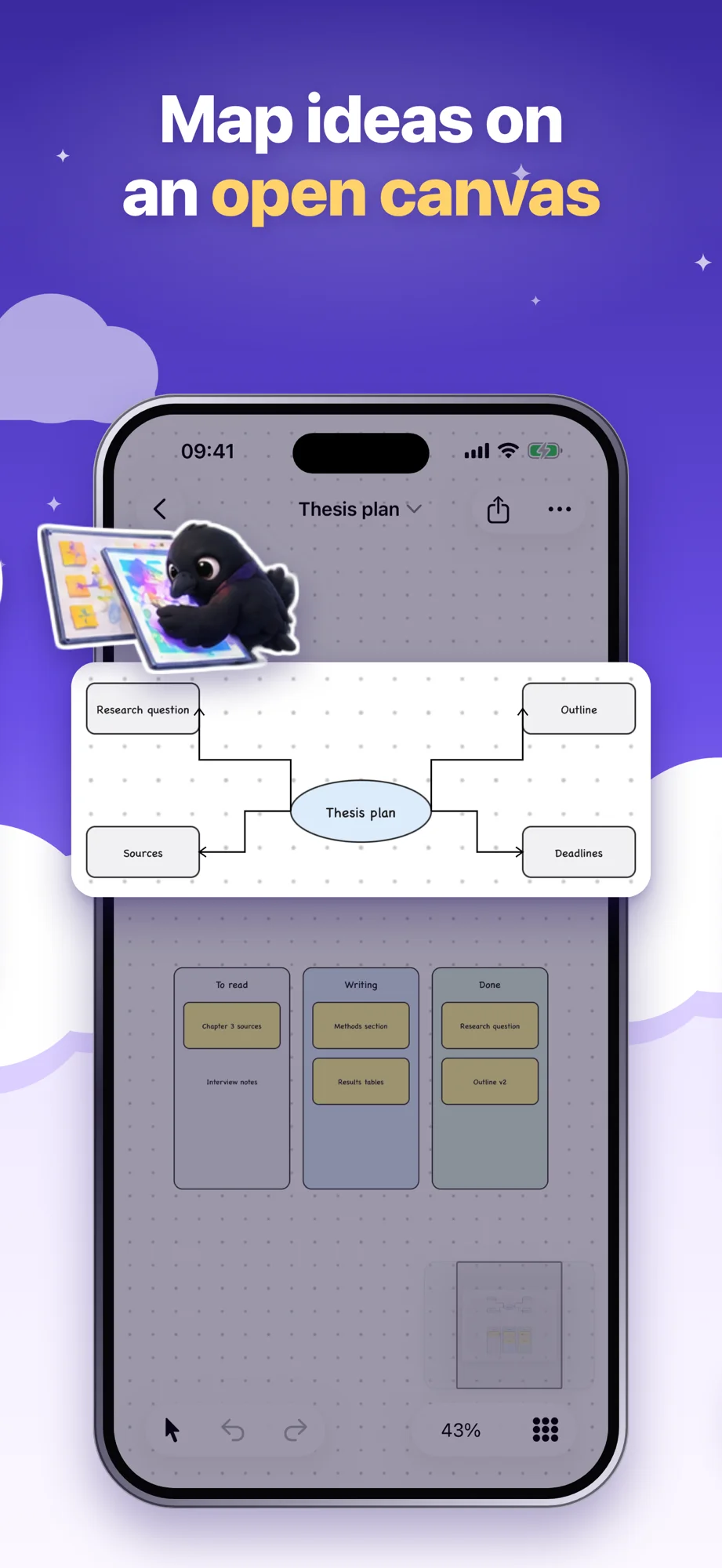
Screens from the current version on the App Store.
What it does
- Infinite canvas with sticky notes, connectors, frames, tables and 19 shapes
- Apple Pencil with Draw to Shape, and ink you can seek by voice-memo playback time
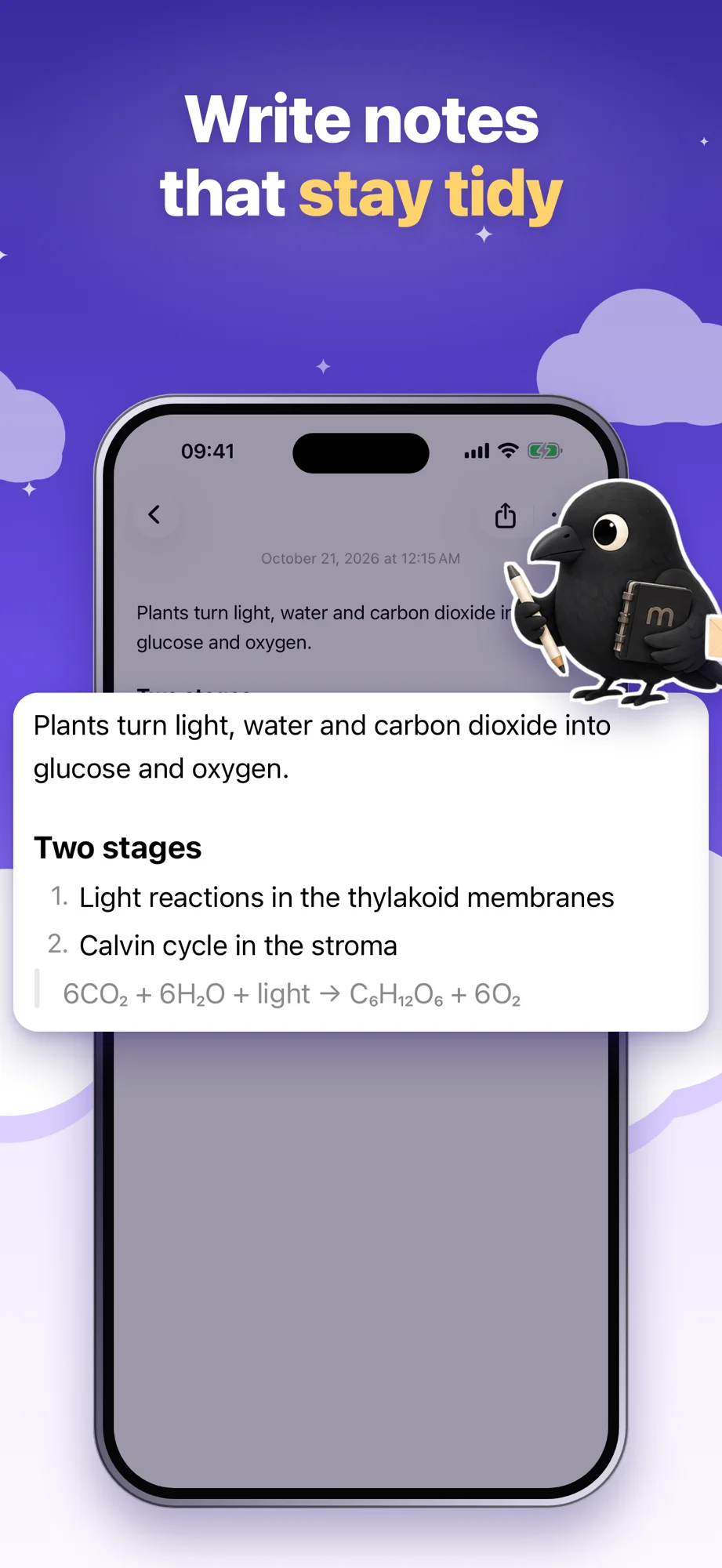
- Markdown, highlighted code, PDFs, images, video, audio and live maps on a board
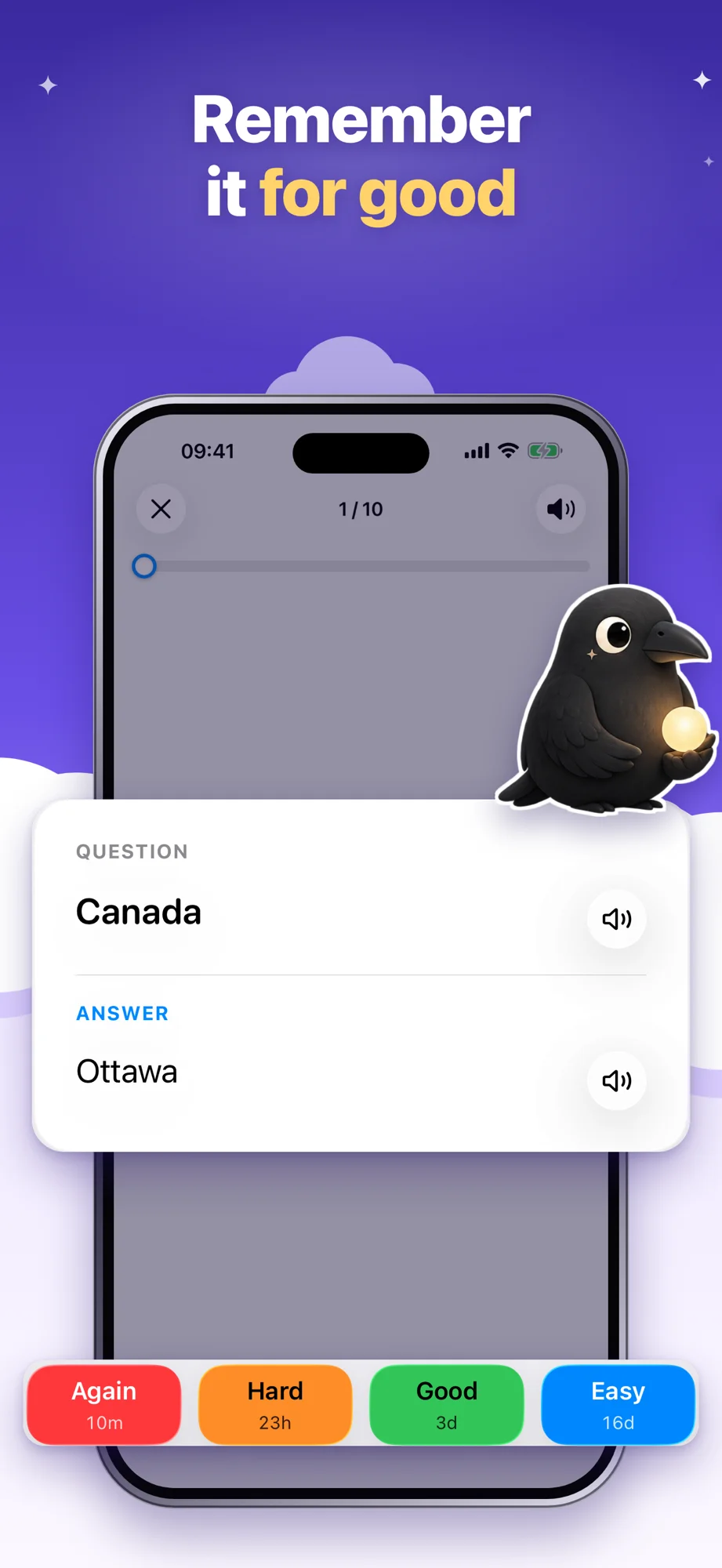
- FSRS spaced repetition with one-tap cloze deletion and on-device card generation
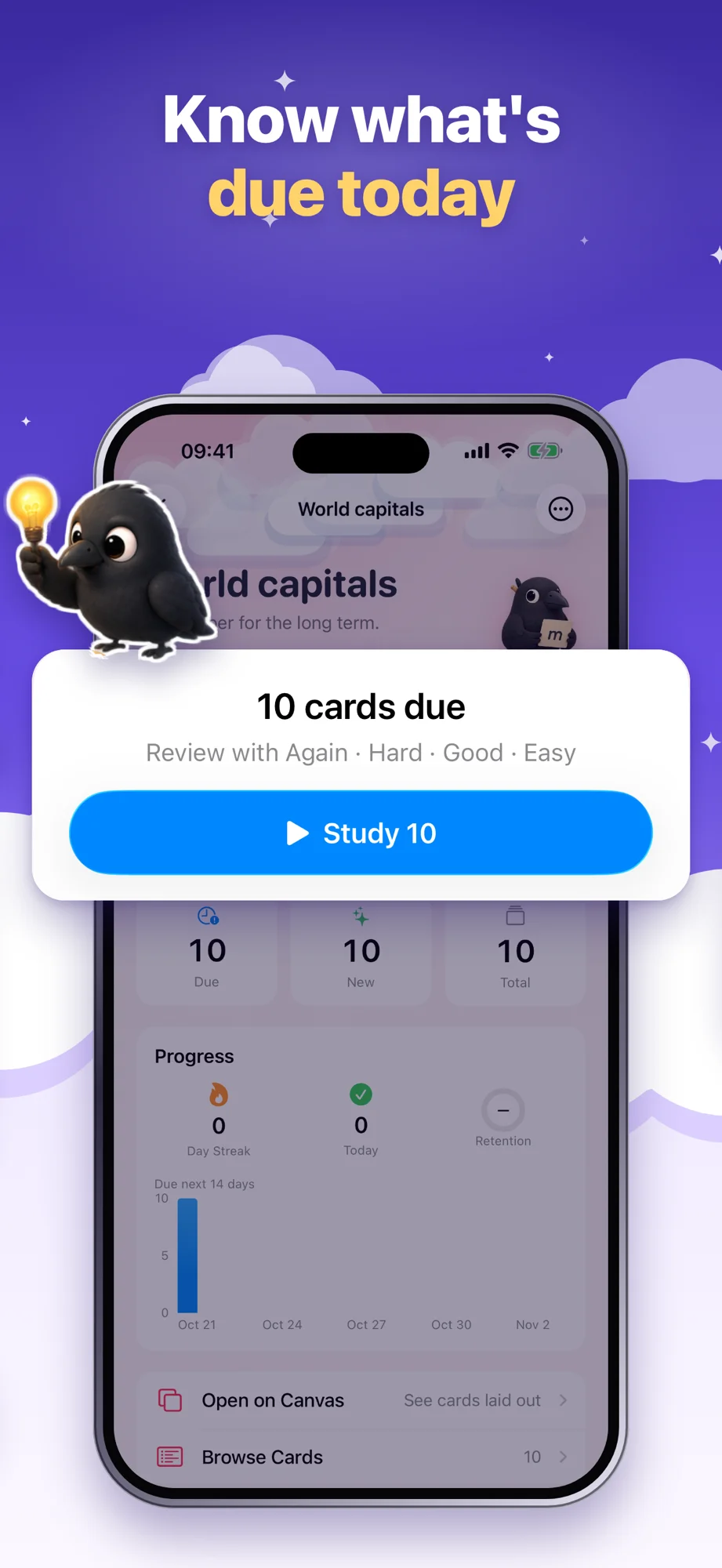
- Study dashboard with streak, retention rate and a 14-day forecast
- Import and export .apkg decks with scheduling data, images and clozes
- Six board types: Board, Note, Journal, Atlas, Document and Deck
- Frames become slides you can present full screen or export as PDF
- Private iCloud sync across iPhone, iPad and Mac, with no account and no third-party server
Mena is an infinite canvas for visual notes. Sketch ideas, build mind maps, embed media, and turn any board into spaced-repetition flashcards. Deleted boards wait in Recently Deleted, and one purchase unlocks Pro on iPhone, iPad and Mac.
Infinite canvas
Pan, zoom and draw with no page limits. Pastel sticky notes, shapes and connectors for mind maps and flowcharts, frames, tables and 19 polygon shapes. Apple Pencil support with Draw to Shape: sketch a rough shape and Mena turns it into a clean one.
Every kind of content
Drop anything onto your board: sticky notes, rich text and Markdown, code blocks with syntax highlighting, images, PDFs with full page navigation, video, audio files and live maps. Record voice memos directly on the canvas, and the ink you draw while recording is seekable by playback time. Web embeds and URL preview cards keep sources where you need them.
Paper templates
Note pages come blank, lined, dotted or grid. Change one page or every blank page at once, and choose auto, light or dark paper independently of your system theme. A page looks the same in the reader, the sidebar, the overview grid, the library thumbnail and the exported PDF.
Study with fsrs
Turn any deck board into spaced-repetition flashcards. Mena schedules reviews with FSRS and brings each card back when it is due. Grade with Again, Hard, Good or Easy and see the next interval first. Make a cloze deletion in one tap, and generate flashcards from your notes on device, with no network.
Study dashboard
Track your streak, retention rate and a 14-day due forecast, and see today's review count at a glance.
Import and export decks
Import any .apkg file directly. Mena brings in your cards, scheduling data, embedded images and cloze deletions, and exports any deck back as .apkg.
Slides and presentation
Draw a frame around anything and it becomes a slide. Open the filmstrip panel, jump to any slide, present full screen, or export the whole deck as a PDF.
Six board types
Board: an infinite whiteboard. Note: a vertical scrolling page. Journal: one page created for each day. Atlas: a spatial map of all your boards. Document: PDFs, scans and images read page by page and marked up with Apple Pencil. Deck: an FSRS study deck with a review session.
Home screen widgets
Four widgets for the Home Screen and Lock Screen: Quick Capture opens today's note in one tap, Board Preview shows a live thumbnail of any board, Today's Study shows the due count, streak and retention, and Deck shows the stats of one deck. Each one is configurable.
Share from anywhere
A share extension takes text, links, images, PDFs and videos from any other app: tap Share, choose Mena and pick a board.
Private icloud sync
Every board, element and attachment syncs across your Apple devices through your private iCloud CloudKit database. There is no Mena account, and no third-party cloud server stores your Mena content. Flashcard generation runs on device. Web embeds and Unsplash search connect only when you choose to use them.
Free and pro
Free covers 3 boards, 3 notes, 3 documents and 5 decks; journals and system boards are never limited. Mena Pro lifts every limit: Pro Monthly and Pro Yearly renew automatically, and Pro Lifetime is a one-time purchase. Pro Yearly starts with a one-week free trial for eligible new subscribers. iCloud sync is free on every plan.
Related apps
More from writing and study.


Mena on the App Store
Visual Notes & Thinking Canvas.